
Online RSVP
Online RSVP that Sri Lankan guests will answer
With an INVITATION.LK online RSVP, each guest replies on their own invitation link: Attending or Not attending, and how many are coming. Answers reach your RSVP page as soon as guests send them, counted separately for each invitation, so you can see who has replied and follow up only with those who have not.
What you see as replies come in
This page covers how a guest replies, what your RSVP page shows, the three ways replies can reach you, and what to do about the guests who stay silent. The invitations themselves go out from your own WhatsApp, one tap per guest, as explained on the WhatsApp wedding invitations page.

How a reply gets to you
Add guests and head counts
Add each guest or family with the number you are inviting, or import the list from Excel or CSV.
Send each link on WhatsApp
Tap Send next to a guest and WhatsApp opens with their message and personal link ready. You press send.
The guest taps their answer
On the invitation they choose Attending or Not attending and confirm how many are coming. No app, no account.
The reply lands in your list
Your RSVP page updates with their answer, head count and any note, next to everyone still pending.
Built for how families actually reply
Sri Lankan guest lists are long, spread across both families and often across countries. These are the parts that help you get to a real number.
One link per guest or family
Each reply is recorded against the guest whose link it is. Anyone who opens that link can change the answer, so ask guests not to forward their personal link, and share the general invitation link for others.
Head counts you set
Guests confirm how many are coming, up to the number you invited, so totals never run past your list.
Pending at a glance
Filter your guest list by Pending, then by Opened or Not opened, to see exactly who still needs a nudge.
Record phoned-in answers
Set a guest's reply yourself when they tell you in person, so every answer counts in the same totals.
An alert for each reply
Install the dashboard on your phone and allow notifications to get a push alert for every new RSVP.
RSVP turns into the seat finder
Publish your seating plan and, on most designs, the same spot on the invitation shows guests their table.
What happens when guests do not reply
Some guests will not reply, whatever kind of invitation you send. Older relatives may expect a phone call, busy cousins open the link and mean to answer later, and some families simply assume you know they are coming. An online RSVP does not change people. What it changes is how much you know about who is silent, and how little work it takes to ask them.
Nothing is sent to guests automatically. INVITATION.LK does not chase anyone for you: you decide who to remind and you send the reminder from your own WhatsApp. Your guest list tells you who to start with.
| What your list shows | What it usually means | What to do |
|---|---|---|
| Not sent | The invitation has not gone to this guest yet. | Send it first. A reminder makes no sense until they have the link. |
| Sent, Not opened | You sent it, but the link has not been opened in a browser yet. The message may be buried in a busy chat. | Send a short, warm reminder with the same link. |
| Opened, Pending | They have seen the invitation but have not answered. | A friendly nudge that mentions the date you need numbers by. |
| Still Pending close to your deadline | Often an elder who prefers to talk, or someone abroad waiting on leave or flights. | Phone them, then record their answer on your RSVP page yourself. |
| Attending or Not attending | They have replied. | Nothing. Thank them when you see them. |
Write a reply-by date in your invitation text or your WhatsApp message, two or three weeks before the date your caterer or hall needs the final number. For ready-made reminder messages, in English, Sinhala and Tamil, see our WhatsApp messages for wedding invitations. We also wrote an honest piece on whether Sri Lankan wedding guests actually RSVP, with a reminder you can copy.
What Opened does and does not tell you
Opened means the guest opened their own invitation link in a browser. It is not a WhatsApp read receipt and it does not mean they have decided. Treat it as a hint about who to remind first, not as an answer.
Poruwa, church, reception and homecoming
One invitation can carry every event of the day, each with its own time, venue and map: the Poruwa or the church service in the morning and the reception after. A guest replies once for that invitation, so if some guests are invited to the reception only, the simplest way is to give them their own invitation.
Replies are kept separately for each invitation. A guest invited to both the wedding and a separate homecoming invitation gets a different link for each, and answers each one on its own. The Complete plan includes two published invitations for exactly this.
Guests abroad
Relatives in Australia, the UK or the Gulf reply on the same link as everyone else, at whatever hour suits them. Add their WhatsApp number with its country code and their answer arrives like any other.
Printed cards as well
If you are printing cards for elders, every invitation has a QR code and a ready-to-print sign, and the QR can open the RSVP directly. Guests scan it and reply on their phone.
Building the list itself, with bride side and groom side, families on one link and the liquor count, is covered in planning a Sri Lankan wedding guest list. For designs by ceremony, start with wedding invitations for every Sri Lankan ceremony.
Wedding designs with RSVP built in
Every wedding invitation design has the reply form built in, including these. The save-the-date designs and Find Your Seat do not ask for replies. Open one as a live sample and try it on your phone.
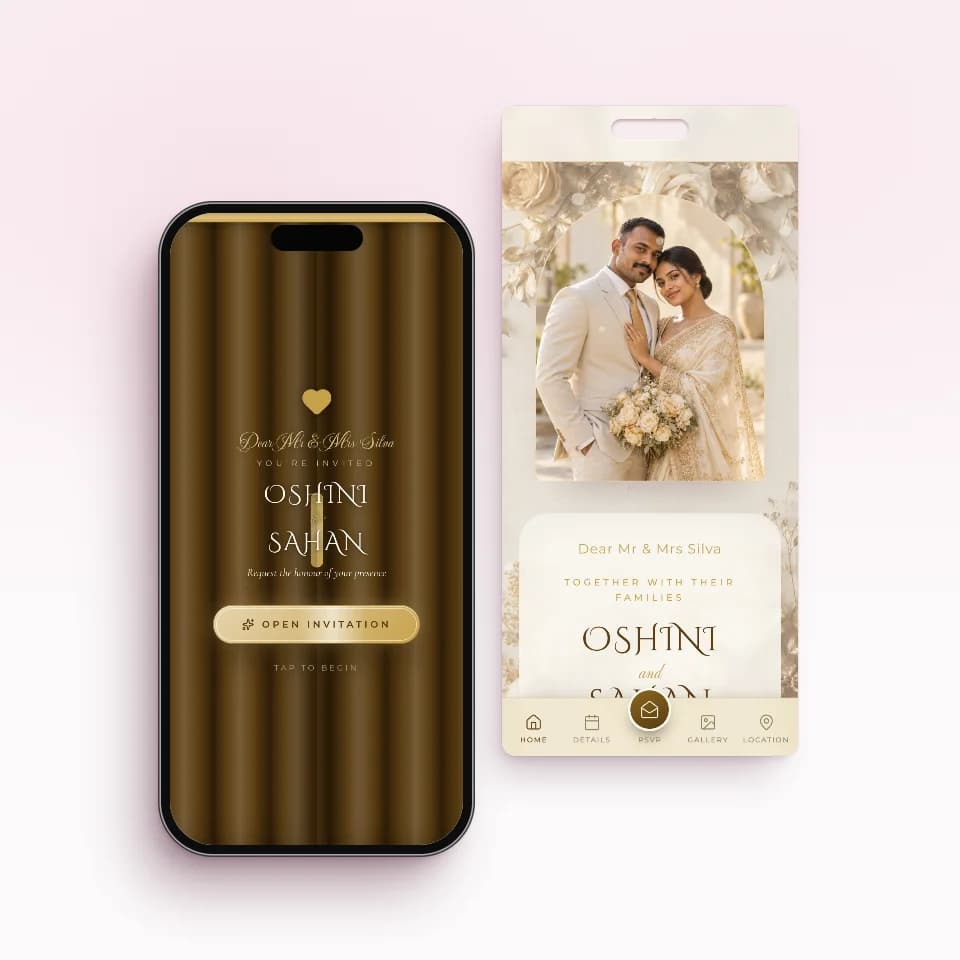 Golden SealAntique gold over gilded rosesOpen the live sample
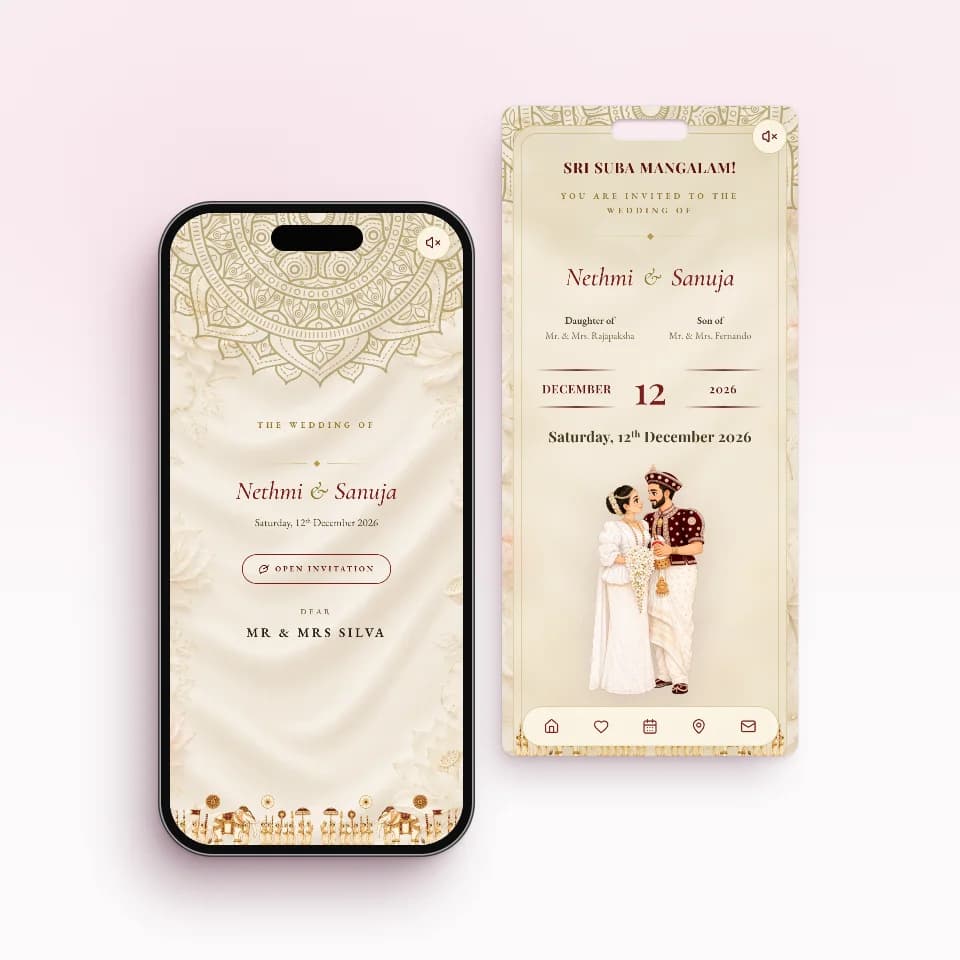 Nilame TraditionalKandyan heritage in ivory and maroonOpen the live sample
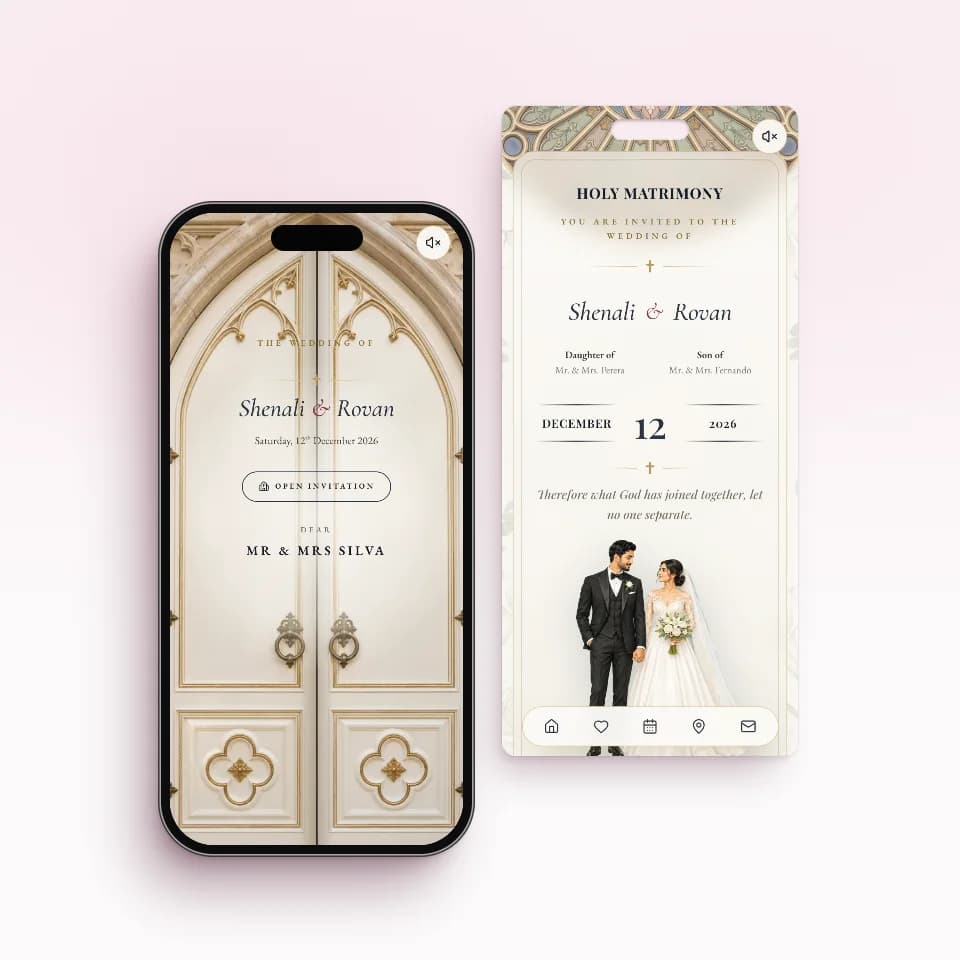 Chapel VowsChapel doors that open on warm lightOpen the live sample
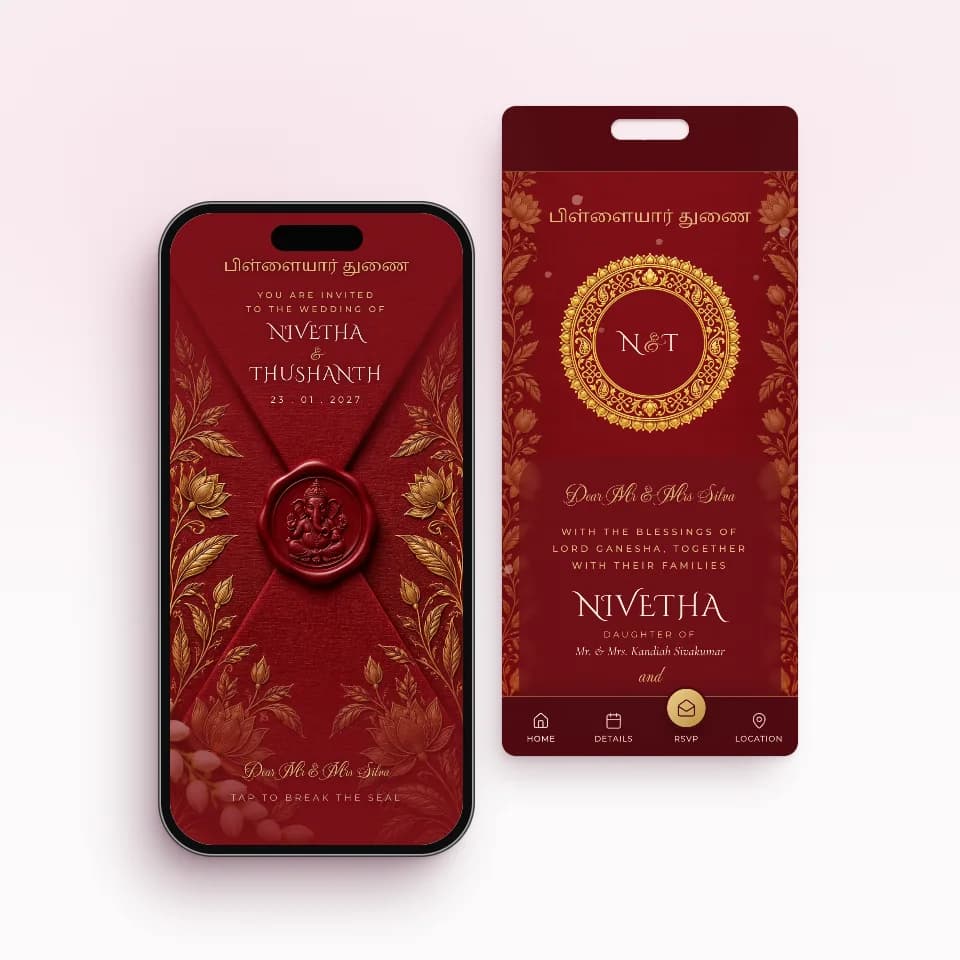 Kumkum SealKumkum silk, temple gold, Ganesha sealOpen the live sample
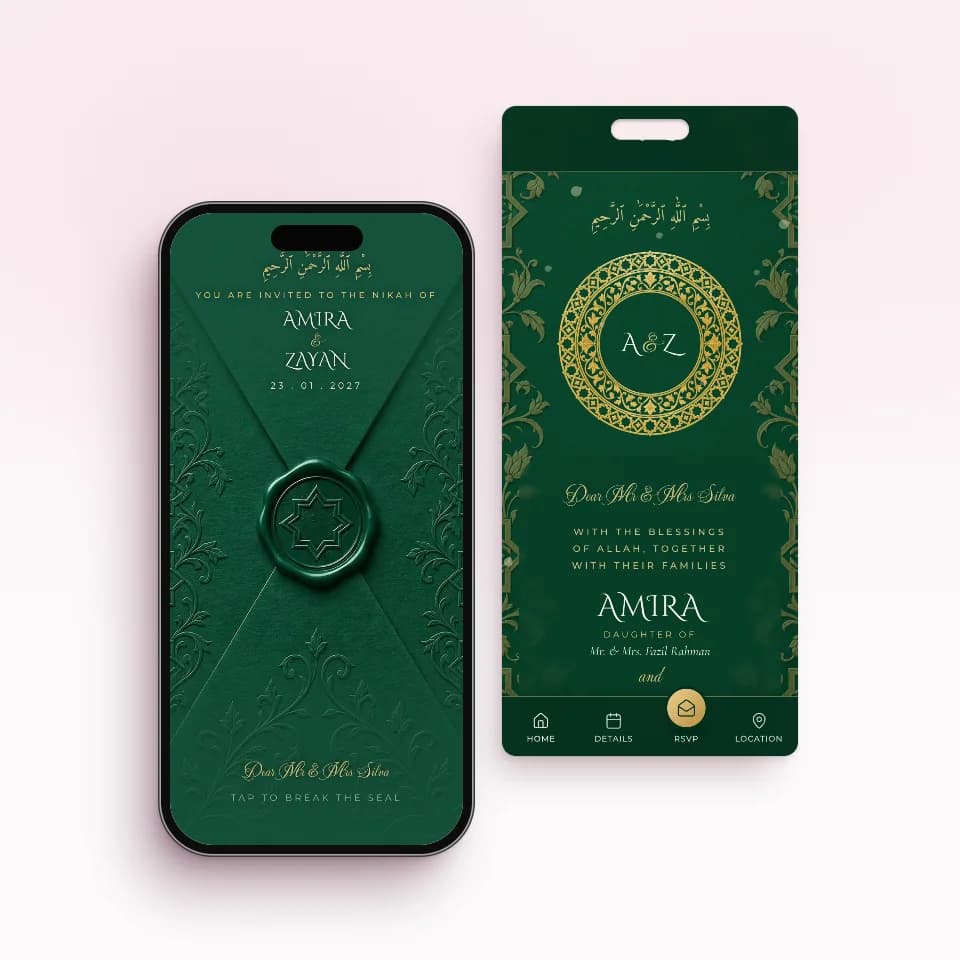 Emerald NikahEmerald and gold, an eight-point starOpen the live sample
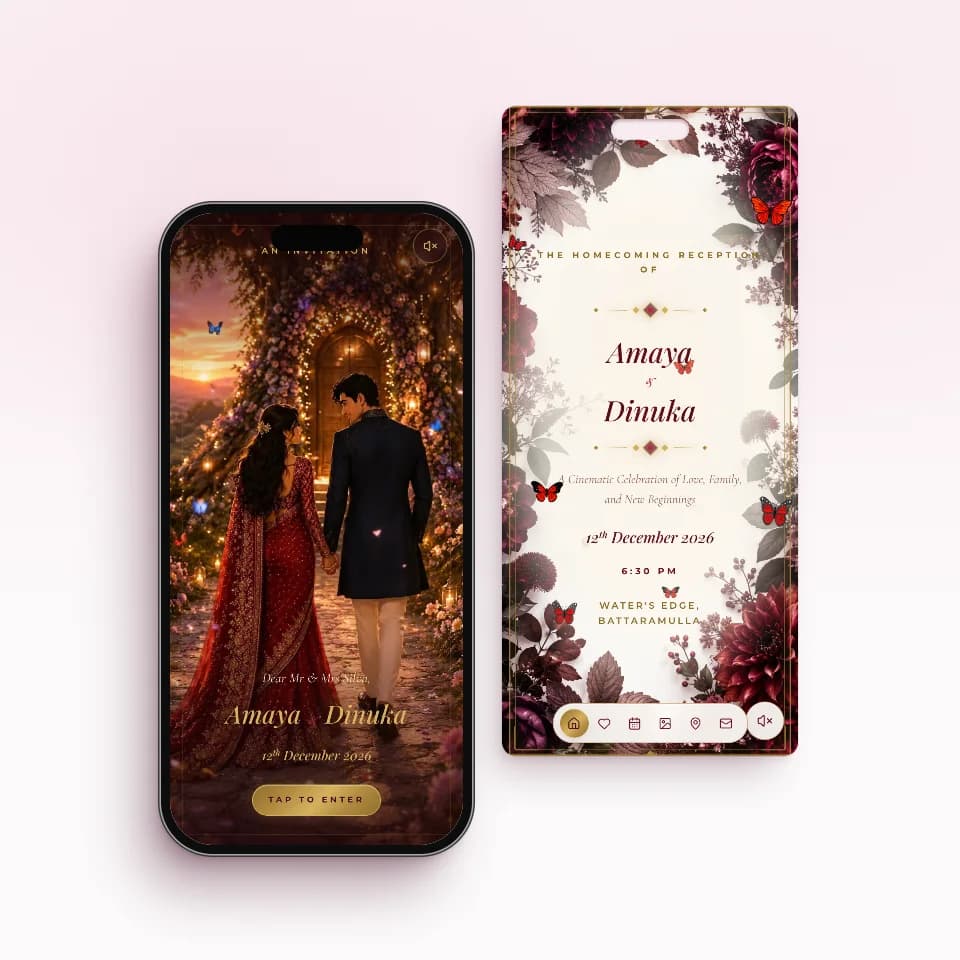 Velvet HomecomingDeep red velvet for your homecomingOpen the live sample
One price, paid once. No subscriptions.
Build your invitation and preview it on your phone for free. You pay once, only when you publish, and every paid plan includes unlimited guest links.
Essential
Rs. 5,000
Perfect for one wedding celebration
- 1 ready-made invitation website
- Unlimited guest links
Complete
Rs. 10,000
Best for Wedding + Homecoming
- 2 ready-made invitation websites
- Unlimited guest links
Signature Custom
Rs. 20,000
A one-of-a-kind invitation designed for you
- 1 custom invitation website + 1 free ready-made one
- Unlimited guest links
Online RSVP: questions couples ask
Do Sri Lankan guests really reply to an online RSVP?
Some reply straight away and others need a nudge, the same as with a printed card. The difference is that answering takes one tap on the invitation they already have open, and you can see exactly who is still pending, so you only follow up with those people instead of phoning the whole list.
Do guests need an app or an account to reply?
No. The invitation is a web page. Guests tap their link in WhatsApp, it opens in the phone's browser, and they reply on the same page with nothing to download and no account to make. It works the same for relatives abroad.
Can a guest bring more people than I invited?
No. You set the number of guests on each invitation, for example 2 for a couple or 4 for a family. The guest can confirm any number up to that, but not more. If a family asks to bring someone extra, you change the number in your guest list.
An aunt phoned me with her answer. Can I record it myself?
Yes. On the RSVP page you can set any guest's reply and head count yourself, so answers that come by phone, at the temple or at a family visit still end up in the same totals as the replies made on the invitation.
What if a guest's plans change after they reply?
They tell you, and you change their answer or head count on your RSVP page, so your totals stay right. Once you publish your seating plan, the reply form closes and, on most designs, the same spot on the invitation shows guests their table instead.
Do I get a notification when someone replies?
Yes, if you install the INVITATION.LK dashboard on your phone and allow notifications, you get a push alert for each new RSVP. Replies through the public RSVP link also send you an email, because they wait for your approval.
Where to go next
- Sending invitations on WhatsAppOne tap per guest from your own number, and who has opened theirs.See how sending works
- Guest list, seating and liquor countSides, families on one link, tables guests can search and the bar numbers.Plan the guest list
- Everything in the dashboardGuest list, RSVP, seating, liquor planner, checklist and budget in one place.Browse all features
Start your invitation tonight.
Send it when it's perfect.
Free to build, free to preview. You pay once, only when you publish.
