
WhatsApp invitations
WhatsApp wedding invitations, one link per guest
A WhatsApp wedding invitation from INVITATION.LK is a personal invitation page for each guest, sent from your own WhatsApp with one tap per guest. The preview card greets them by name, they reply on the invitation, and your guest list shows who has opened theirs.
What happens after you press send
Sending is the easy part. Every couple in Sri Lanka already sends invitations on WhatsApp. The difference is what you can see and do once the message has gone.
A link that belongs to one guest
Every guest or family gets their own link, and each reply is recorded against it. Anyone who opens that link can change the answer, so ask guests not to forward it, and share the general invitation link for others.
See who opened it
Your list marks each guest as Sent and then Opened, so you know who has seen the invitation and who has not.
Replies land in one list
Guests choose Attending or Not attending and confirm how many are coming. Their answers appear as they reply.
A nudge when someone replies
Install the dashboard on your phone and get an alert for each new RSVP, instead of scrolling through chats.
Change it without resending
Fix a time, a venue or a spelling after sending. Guests see the update on the same link.
Opens on any phone
No app and no login for guests. The invitation opens in the browser from the WhatsApp chat.
Your guest list shows who opened theirs
This is the Guest List and Links page in your account. Each row has a Send button, the guest's reply and a delivery status: Not sent, Sent, then Opened once the guest opens their link.

How to send wedding invitations on WhatsApp
Build and preview free
Pick a design, add your names, events and venues, and check it on your phone. It takes about ten minutes.
Add your guests
Type them in or import an Excel or CSV file with names, WhatsApp numbers, side and head count.
Tap Send on each guest
WhatsApp opens with that guest's message and personal link written in. You press send.
Watch it come back
Opened, Attending, Not attending and head counts update in your list as guests respond.
Want the full walkthrough, including the free way? Read how to send wedding invitations on WhatsApp in Sri Lanka.
The message, written once and personal for everyone
You write the WhatsApp message one time. Short placeholders fill in for each guest when you tap Send, so every message reads as if you typed it for that person.
| Placeholder | Becomes |
|---|---|
| {name} | The guest's name, as you saved it |
| {you} | "you", "you both" or "your family", from the guest's invite type |
| {couple_names} | Your names, from the invitation |
| {events} | The names of the invitations this guest is on, for example Wedding and Homecoming |
| {date} | The wedding date |
| {links} | The guest's personal link, one line for each invitation they are on |
Need words for the message itself? Copy one from our WhatsApp wedding invitation messages, from formal to family, in English, Sinhala and Tamil.
Why not just forward a picture or use a broadcast list?
Plenty of couples send a JPG of the printed card to a broadcast list, and for a small family function that is fine. For a full wedding guest list it starts to show its limits:
- Broadcast lists are capped. WhatsApp limits each broadcast list to 256 contacts, and a broadcast only reaches people who have saved your number.
- The picture gets squeezed. WhatsApp compresses images, so small print such as times and addresses can blur, especially for older relatives.
- Blue ticks are not answers. They show a message was seen, not who is coming, how many, or to which event.
- A change means resending. If the time moves, the old picture keeps circulating in family chats.
We compared the two side by side in sending a JPG versus sending a proper invitation link.
When a broadcast list is enough
If you are inviting twenty people to a small lunch and you will see them all this week, a broadcast message is honestly fine. The personal link earns its keep when the list is long, spread across families and countries, and you need real numbers for the caterer.
Designs that look right in a WhatsApp chat
Every design works with personal links, and every wedding invitation design has RSVP built in (the save-the-date designs and Find Your Seat do not ask for replies). Open any one as a live sample on your phone.
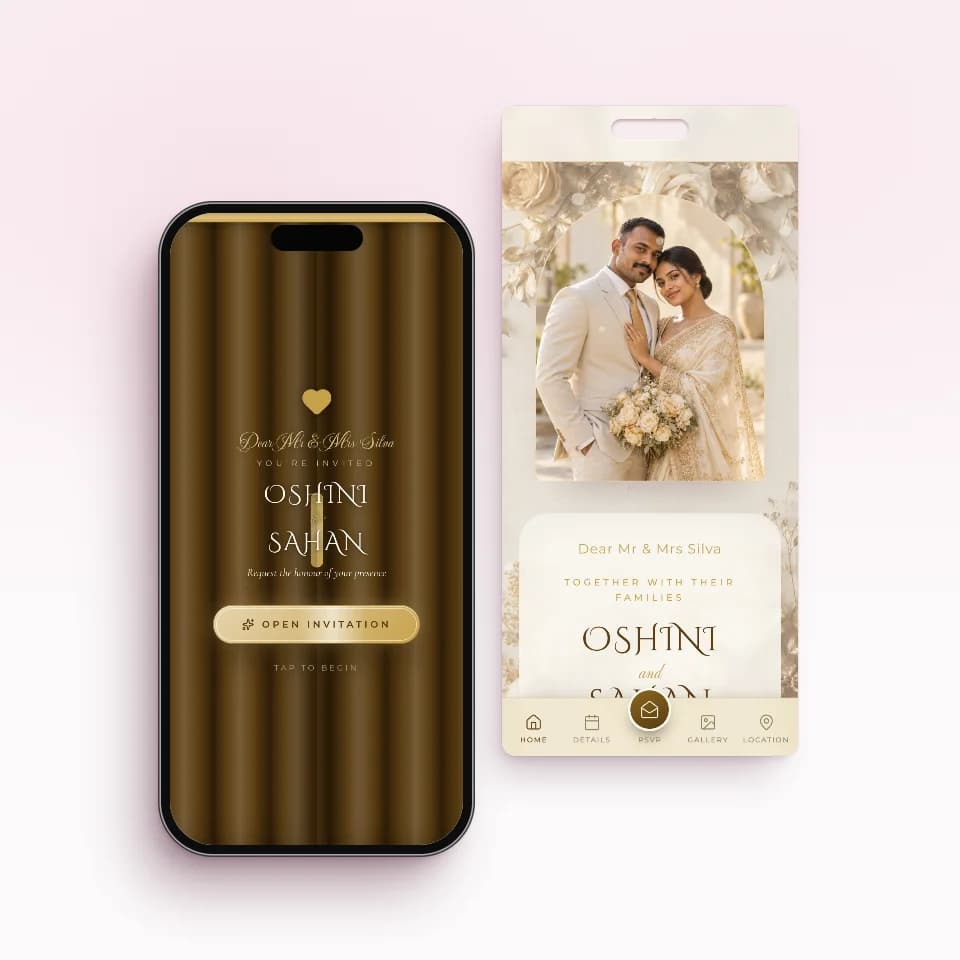 Golden SealAntique gold over gilded rosesOpen the live sample
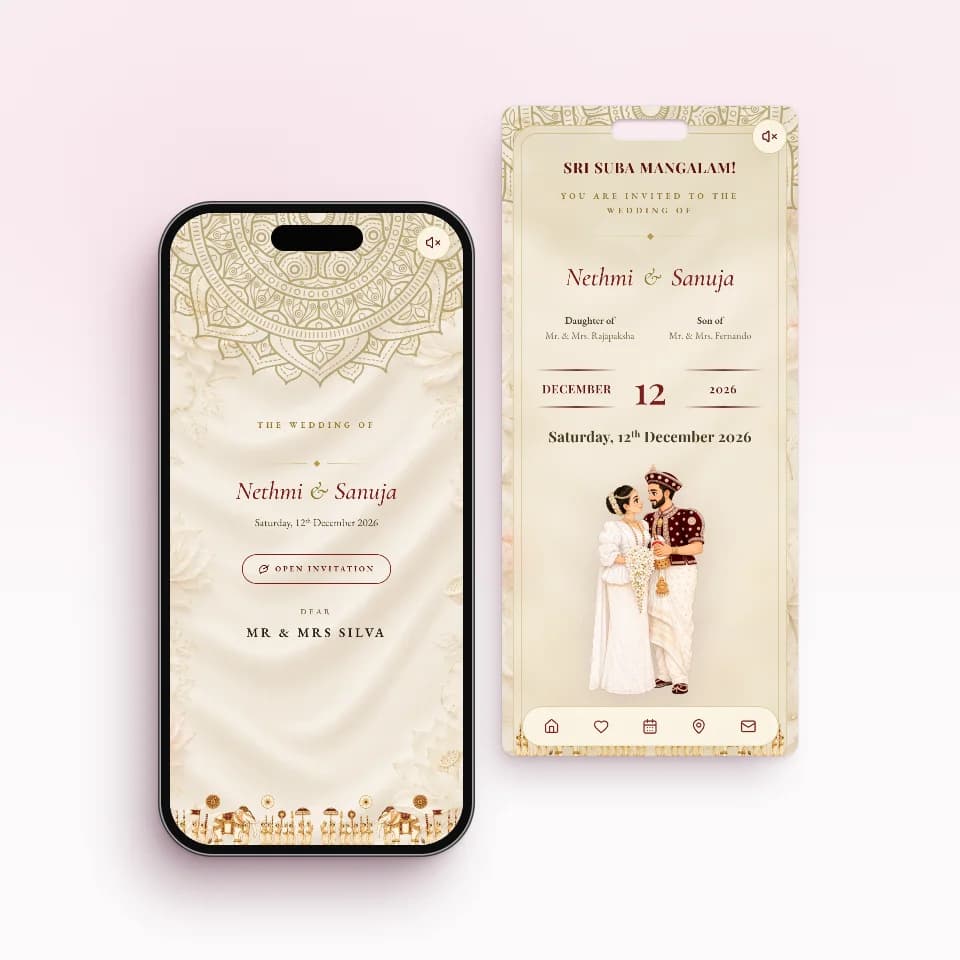 Nilame TraditionalKandyan heritage in ivory and maroonOpen the live sample
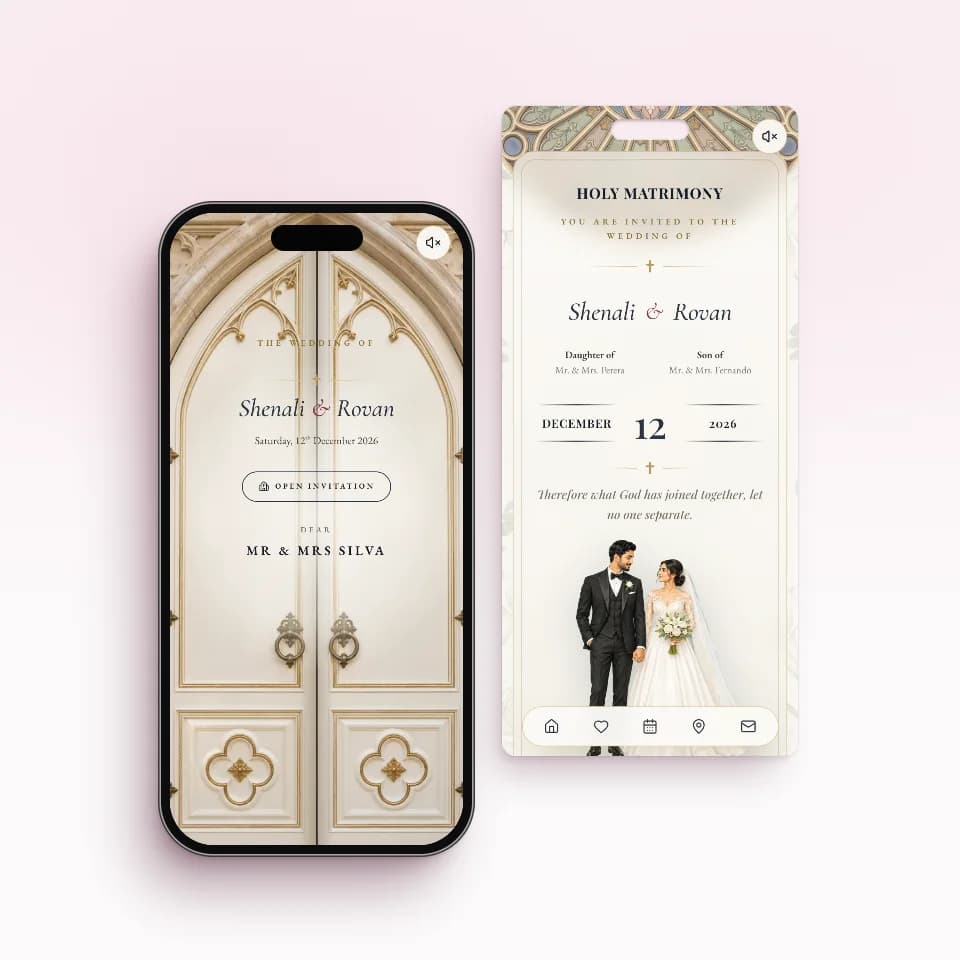 Chapel VowsChapel doors that open on warm lightOpen the live sample
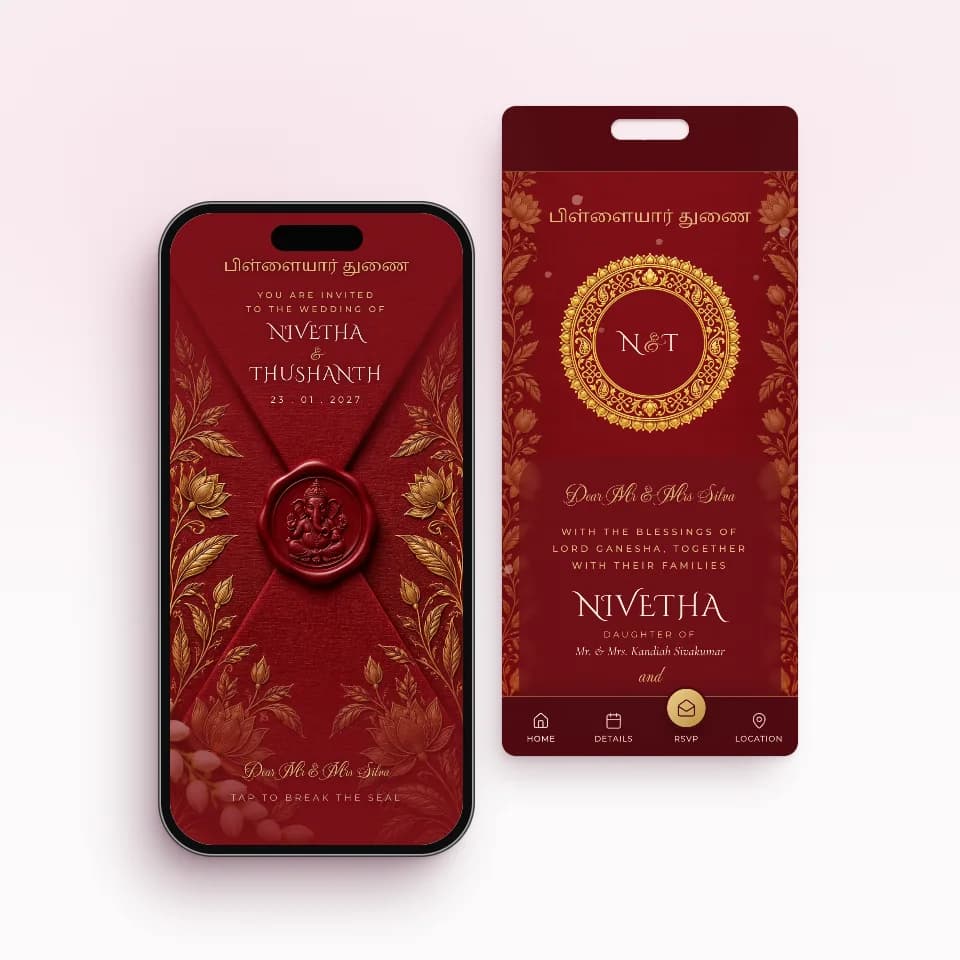 Kumkum SealKumkum silk, temple gold, Ganesha sealOpen the live sample
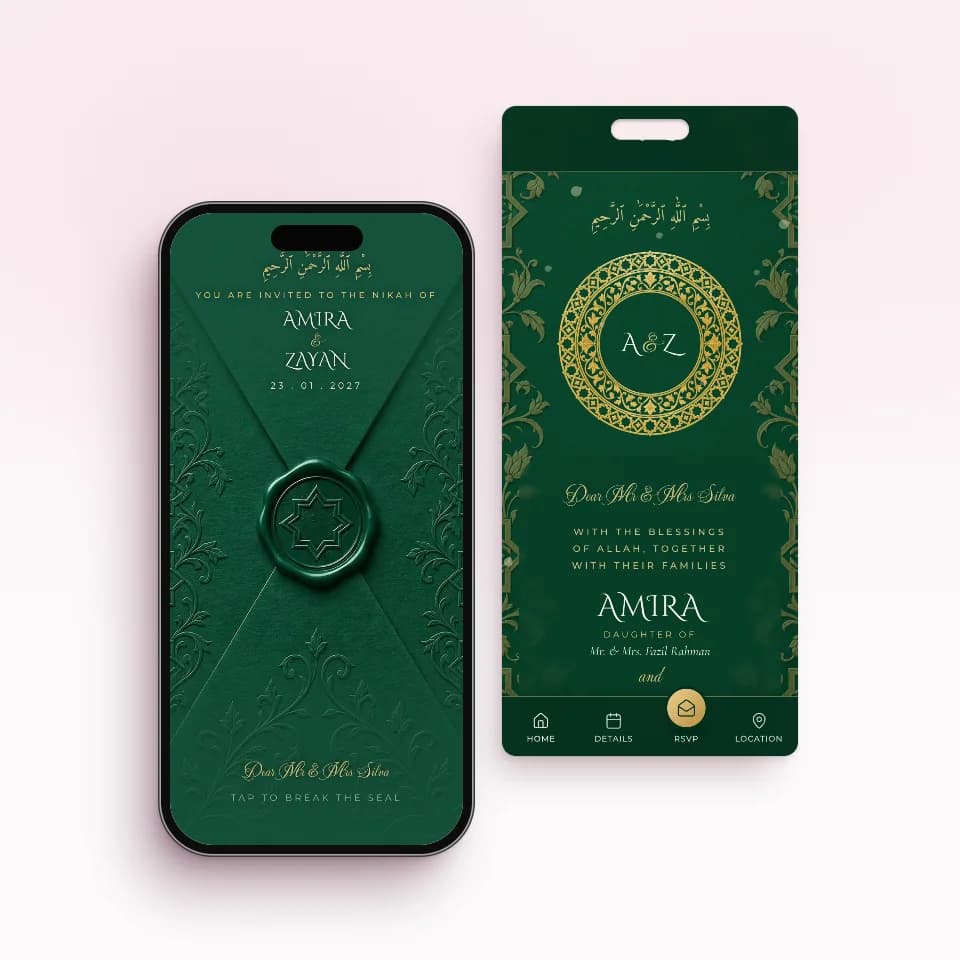 Emerald NikahEmerald and gold, an eight-point starOpen the live sample
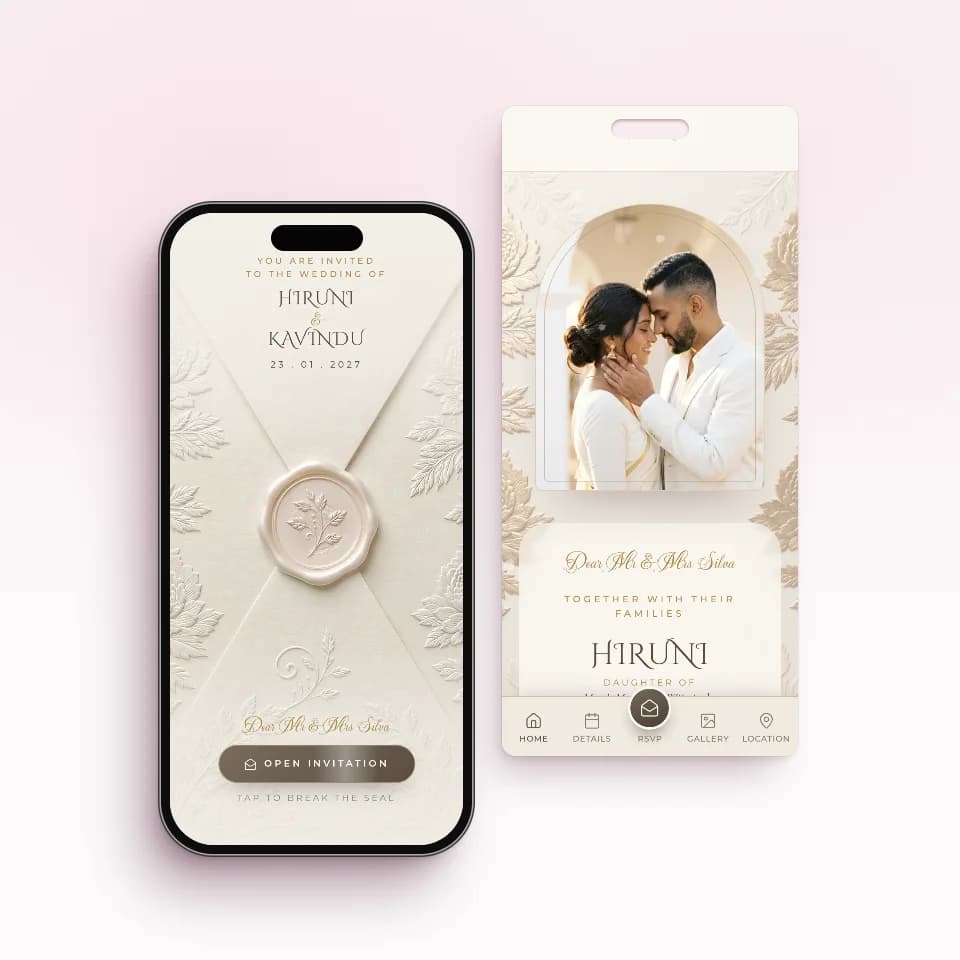 Ivory SealIvory lace, pearls and an embossed sealOpen the live sample
One price, paid once. No subscriptions.
Build your invitation and preview it on your phone for free. You pay once, only when you publish, and every paid plan includes unlimited guest links.
Essential
Rs. 5,000
Perfect for one wedding celebration
- 1 ready-made invitation website
- Unlimited guest links
Complete
Rs. 10,000
Best for Wedding + Homecoming
- 2 ready-made invitation websites
- Unlimited guest links
Signature Custom
Rs. 20,000
A one-of-a-kind invitation designed for you
- 1 custom invitation website + 1 free ready-made one
- Unlimited guest links
WhatsApp invitations: questions couples ask
Is the WhatsApp sending automatic or in bulk?
No. You send each invitation yourself with one tap per guest. Tapping Send opens WhatsApp with that guest's message and personal link already written, and you press send. Because it comes from your own number, it arrives like any message from you, not from an unknown business account.
Do my guests need to install an app?
No. The invitation is a web page. Guests tap the link in WhatsApp and it opens in their phone's browser, on any smartphone. They reply on the same page, with nothing to download and no account to make.
How do I know who has opened their invitation?
Each guest's link is their own, so the first time a guest opens it in a browser, your guest list marks them as Opened. You can filter the list by Sent, Not sent, Opened and Not opened, and see who still needs a reminder. It shows link opens, not WhatsApp read ticks.
Can I send invitations to guests living abroad?
Yes. Add the guest's WhatsApp number with its country code and send it the same way. Relatives in Australia, the UK, the Gulf or anywhere else get the same personal link, can open the venue in Google Maps and can reply from wherever they are.
What about guests who do not use WhatsApp?
Copy their personal link from your guest list and send it any way you like: SMS, email or another messenger. The link works the same everywhere, and their reply and open status still show in your list.
What happens if a time or venue changes after I send?
Edit the invitation and save. Guests see the change the next time they open the same link, so nobody needs a new invitation. If the change matters, send a short reminder message with the same link.
Where to go next
- Online RSVP for Sri Lankan weddingsHow guests reply, what you see, and how to chase the ones who do not.See how RSVP works
- Guest list, seating and liquor countSides, families on one link, tables guests can search and the bar numbers.Plan the guest list
- Wedding invitations by ceremonyPoruwa, church, kovil and Nikah designs, each with its own page.Browse by ceremony
Start your invitation tonight.
Send it when it's perfect.
Free to build, free to preview. You pay once, only when you publish.
