
Guest list and seating
Your guest list, seating and liquor count in one place
INVITATION.LK keeps your Sri Lankan wedding guest list the way families actually invite: by household, split into bride's side and groom's side, with a head count on every row. The same list then seats guests at tables they can search for on the invitation, and works out the bottles for the bar.
Below: how the list is built, the table plan and how guests find their seat, and the liquor planner with a worked example. Sending is covered on our page about WhatsApp wedding invitations.
A guest list built for how Sri Lankan families invite
A Sri Lankan wedding list is not a list of people. It is a list of families, each invited by someone on one side or the other, some to the wedding, some to the homecoming and some to both.
One link per household
Invite a single guest, a couple or a whole family on one personal link, with the number of guests on the same row.
Bride's side and groom's side
Mark each guest Bride Side, Groom Side or Both, and filter the list by side when each family checks its own names.
Groups, including your own
Family, Friends, Office, VIP and more are ready to use, and you can add your own groups, such as Amma's school friends.
Import from Excel or CSV
Fill in our template and upload it: up to 2,000 rows per file, checked before anything is added.
Wedding and homecoming apart
With two invitations, each event keeps its own guest list, replies and seating. A family can be on one or both.
Replies with head counts
Guests reply Attending or Not attending and confirm how many are coming, so the totals are heads, not guesses.
Invite type: who the invitation is addressed to
Every guest row has an invite type. It decides how the invitation and your WhatsApp message speak to that household, and it sits beside the number of guests the link covers.
| Invite type | Use it for | Example row | Guests on the link |
|---|---|---|---|
| To You | One person invited alone | Mr. Kasun Silva | 1 |
| To You Both | A married couple or a pair | Mr. and Mrs. Fernando | 2 |
| To Your Family | A household with children or elders | The Jayawardena family | 5 |
In your message, the word {you} becomes "you", "you both" or "your family" from the invite type, so the same message reads correctly for every row. Ready-made lines for that message are on our page of WhatsApp invitation messages to copy.
Building the list from scratch first? Our guide on how to build a Sri Lankan wedding guest list walks through sides, households and how the two events split the list, with a worked example.
Plan the tables, then let guests find their own
Table Arrangement is a visual plan of your hall. Seat the guests from your list, print what the venue needs, and publish it so every guest can look up their table on the invitation.

Draw the hall
Place round tables, long tables, rows of seats and areas such as the stage or the dance floor.
Seat each household
Drop guests from your list onto tables. A large family can be split across two tables.
Print for the venue
Download an A3 seating chart, an A4 guest list and foldable name cards as PDFs.
Publish the plan
Guests open the same invitation link and search their name to find their table.
What guests see once the seating is published
When you publish the plan, the RSVP part of the invitation turns into the seating view. A guest who opens their personal link sees their own table first. Anyone can also search another name, which helps when an aunt is looking for the rest of her family.
- No new link to send. The seating appears on the invitation guests already have in their WhatsApp chat.
- A QR sign at the entrance. Print a ready-made sign whose QR code opens the seating directly, for guests who arrive without their phone chat open.
- A reminder for you. If your seating plan is still unpublished five days before the wedding, we send you an email reminder with a short how-to, so it is not left to the night before.
Publish seating when the replies are in
The RSVP form closes once seating is published, so publish it after you have the answers you need. Seating search works on most designs; the save-the-date designs do not include it, because they go out before there is a list to seat.
The liquor count, from your real guest numbers
The Liquor Planner reads the same guest list. For each household you note how many drink beer, wine or spirits, and everyone else counts as a non-drinker. It then works out the bottles for each event.
Invited or confirmed: two ways to size the bar
You choose what the count is based on. Invited uses every household at the number of guests you invited, narrowing as people reply: a decline drops out and an acceptance uses the number confirmed. That is how you size the bar weeks before the replies are in. Confirmed counts only guests who have said Attending, at the number they confirmed, which is exact once the replies arrive.
By default the planner allows one bottle of beer per beer drinker, one bottle of wine for every five wine drinkers and one bottle of spirits for every four spirits drinkers. Change any of these to suit your crowd and your venue's measures.
| Category | Guests (example) | Guests per bottle (default) | Bottles |
|---|---|---|---|
| Beer | 90 | 1 | 90 |
| Wine | 40 | 5 | 8 |
| Spirits | 80 | 4 | 20 |
| Non-drinker | 90 | None | 0 |
The numbers above are invented to show the arithmetic, not a guide to how much Sri Lankan guests drink. Bottles always round up, and the planner adds each event separately, so a homecoming with a smaller list gets its own count.
What it does not do
The planner counts bottles. It does not order, price or buy liquor, and it cannot know your hotel's corkage rules or bar package. Take the totals to your venue or supplier and agree the order with them.
When the wedding and the homecoming have different lists
Many families invite a wider circle to one event than the other. On the Complete plan you get two invitations, and each keeps its own guest list, RSVP replies, open status and seating plan. Add a household to the wedding, the homecoming or both, and each gets a separate personal link.
If everyone is invited to everything, one invitation is enough: the Poruwa or church, the reception and the homecoming can all sit on the same page, each with its own time, venue and map. Our page on homecoming invitations covers the second invitation in more detail.
Designs with table search built in
Each of these designs shows the seating to guests once you publish your plan. Open any one as a live sample.
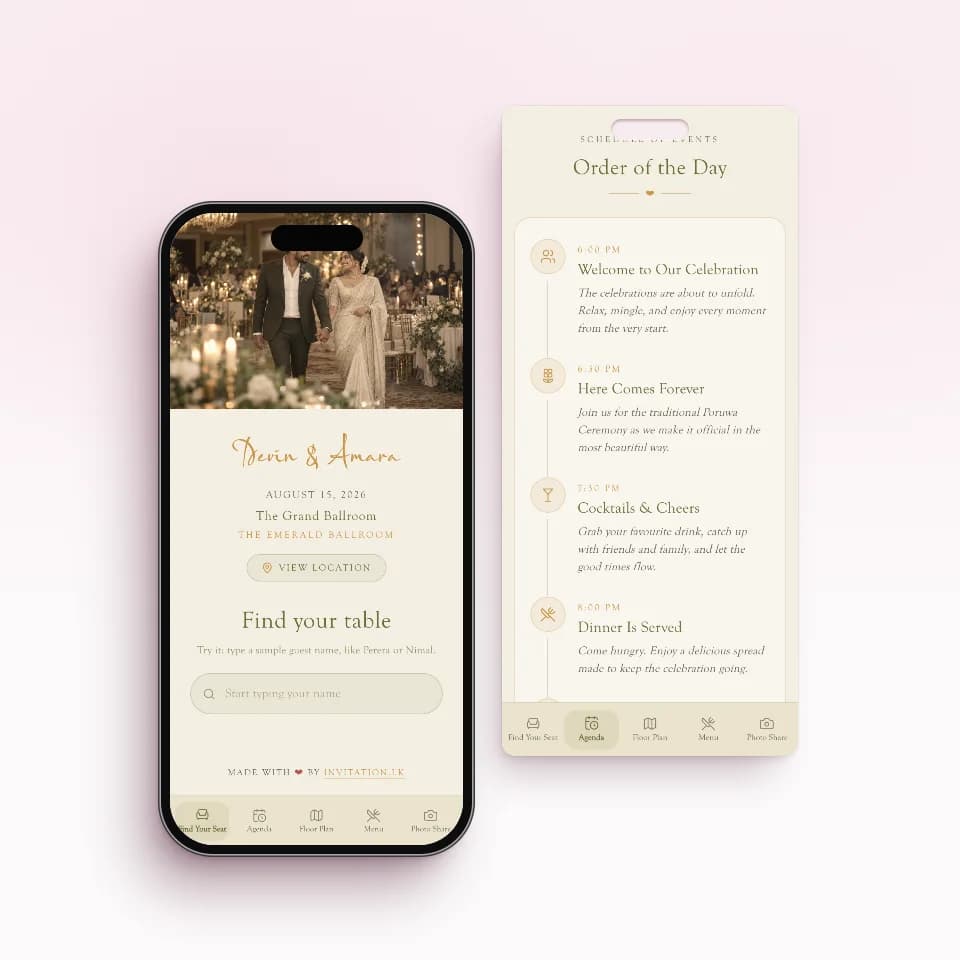 Find Your SeatA day-of app to find your tableOpen the live sample
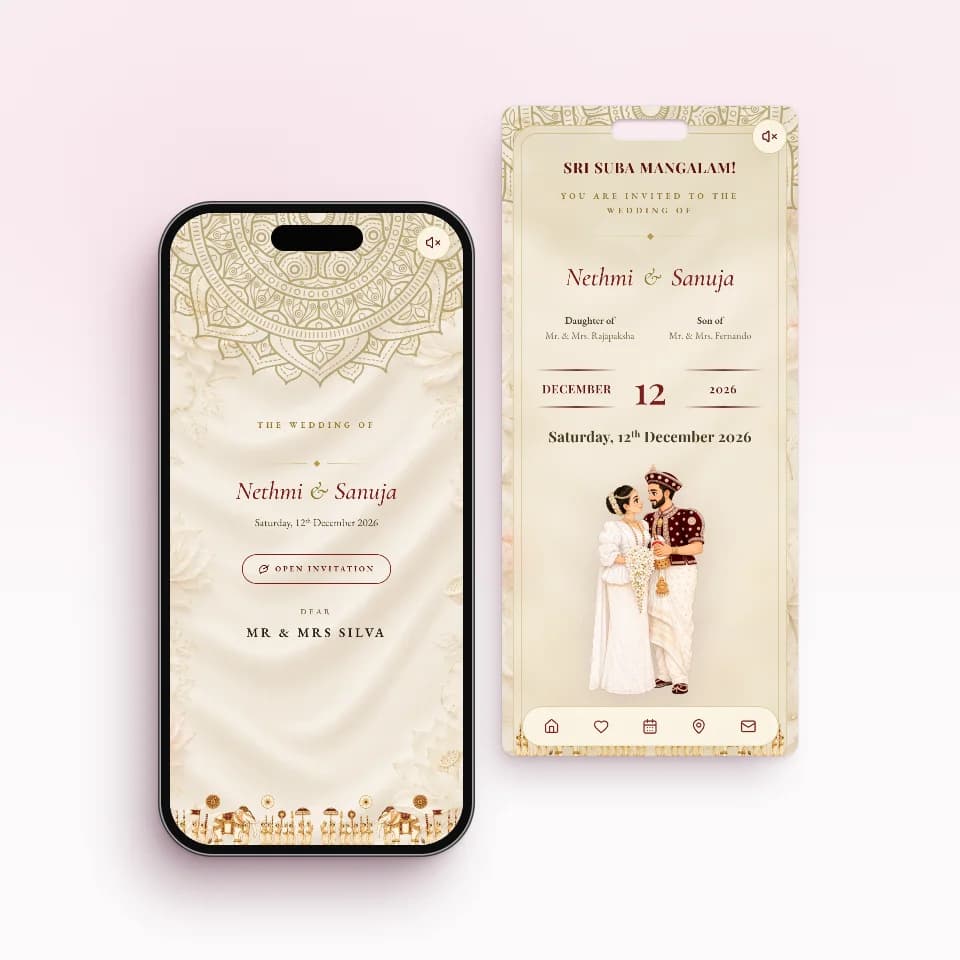 Nilame TraditionalKandyan heritage in ivory and maroonOpen the live sample
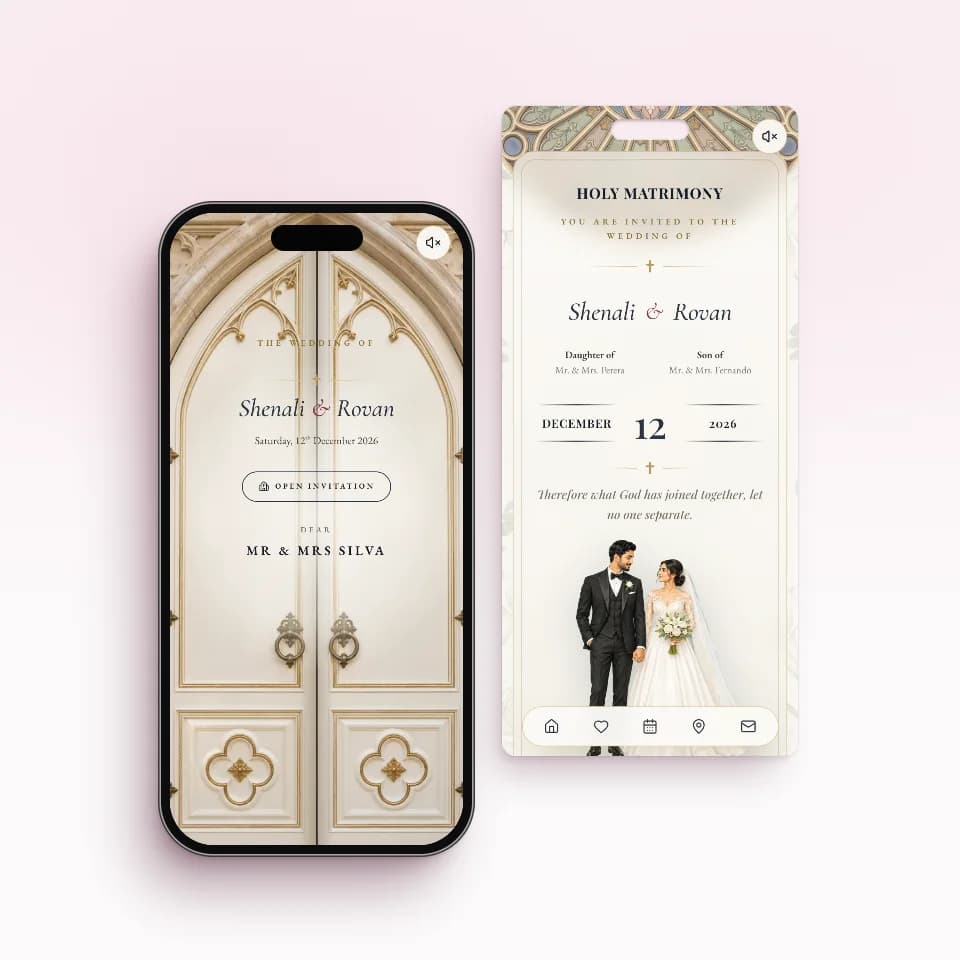 Chapel VowsChapel doors that open on warm lightOpen the live sample
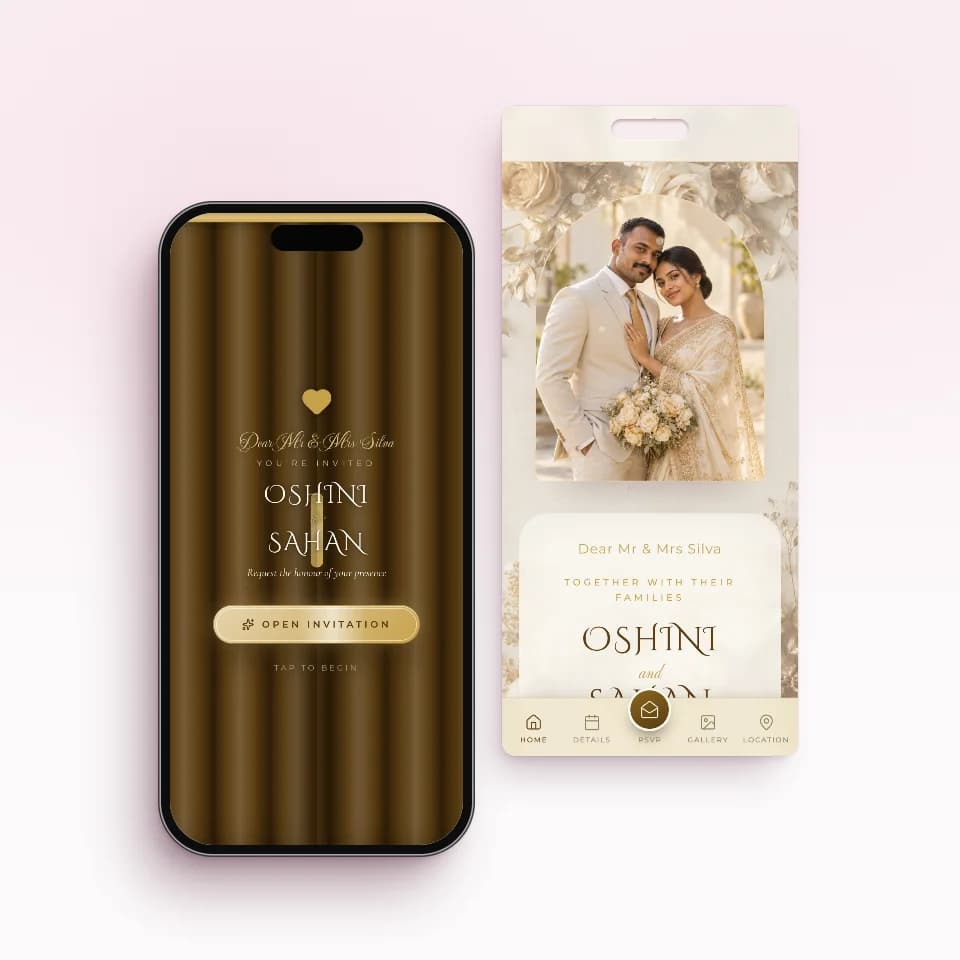 Golden SealAntique gold over gilded rosesOpen the live sample
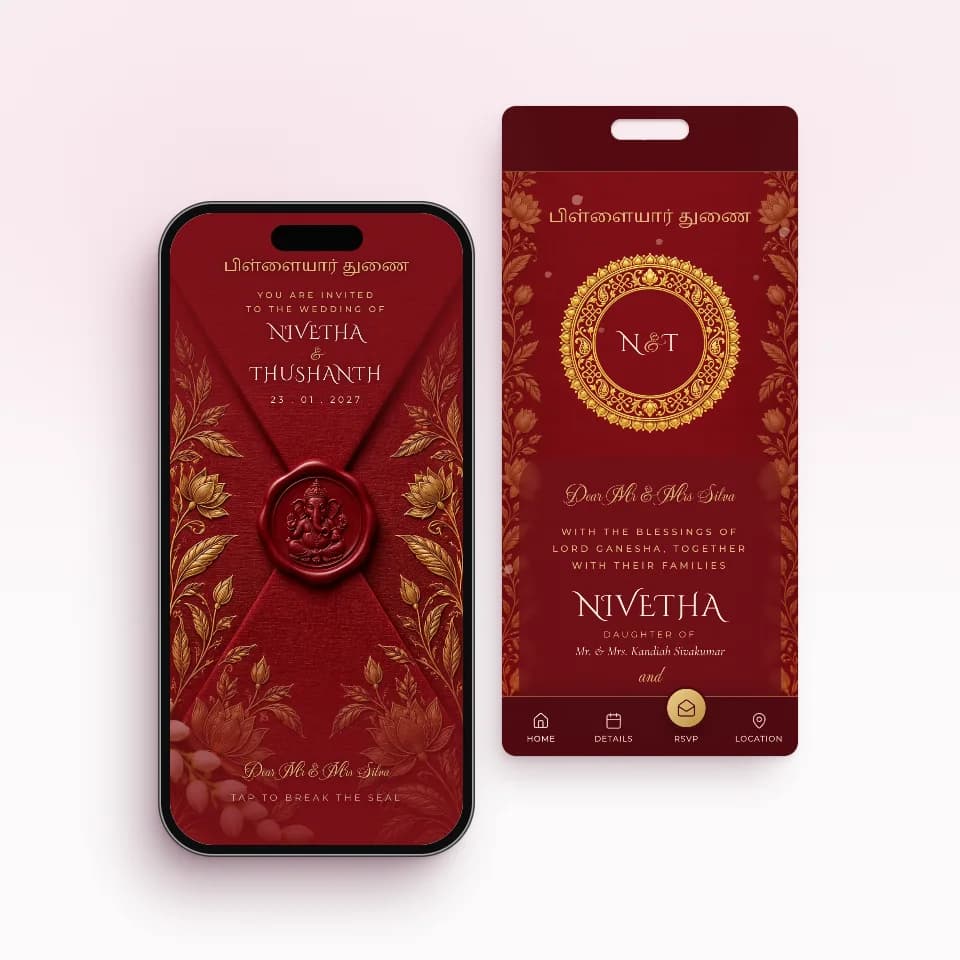 Kumkum SealKumkum silk, temple gold, Ganesha sealOpen the live sample
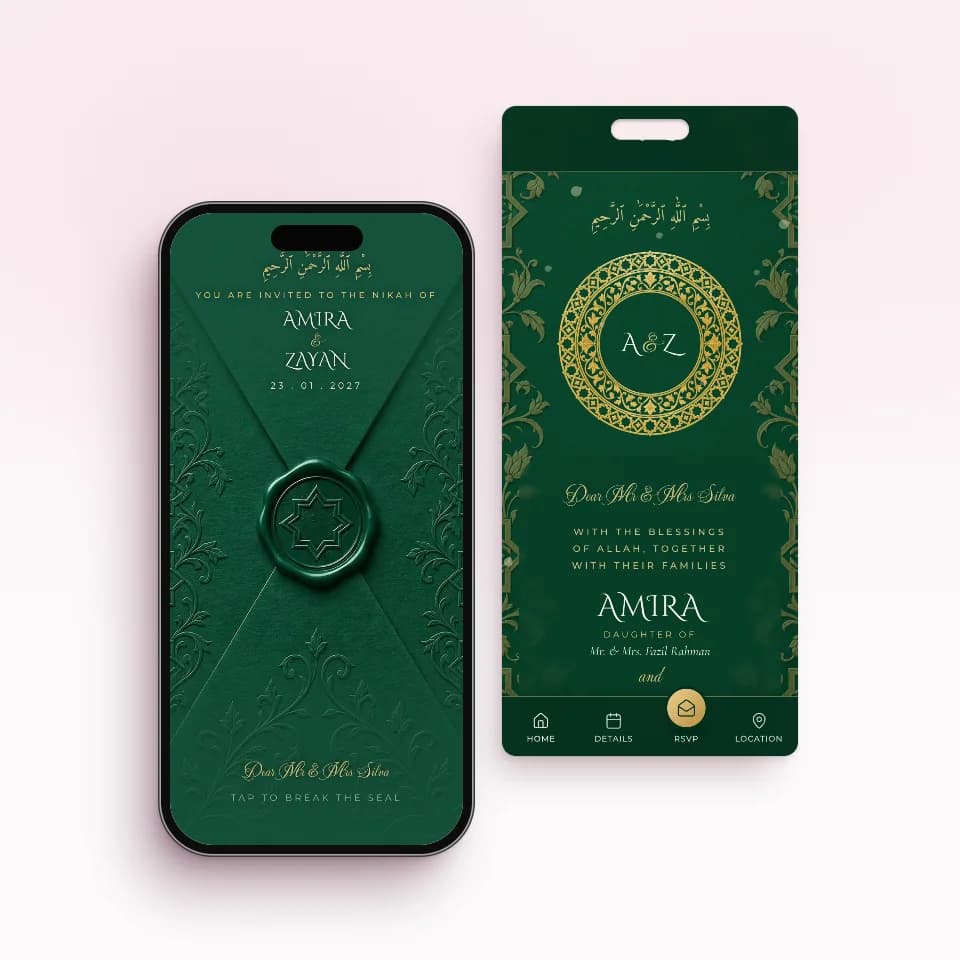 Emerald NikahEmerald and gold, an eight-point starOpen the live sample
One price, paid once. No subscriptions.
Build your invitation and preview it on your phone for free. You pay once, only when you publish, and every paid plan includes unlimited guest links.
Essential
Rs. 5,000
Perfect for one wedding celebration
- 1 ready-made invitation website
- Unlimited guest links
Complete
Rs. 10,000
Best for Wedding + Homecoming
- 2 ready-made invitation websites
- Unlimited guest links
Signature Custom
Rs. 20,000
A one-of-a-kind invitation designed for you
- 1 custom invitation website + 1 free ready-made one
- Unlimited guest links
Guest list and seating: questions couples ask
Does every guest need their own link, or one per family?
One per family is fine, and usually better. Set the invite type to To Your Family and the number of guests, and one personal link covers the whole household. They reply once and confirm how many are coming. Every paid plan includes unlimited guest links.
Can I import my guest list from Excel or Google Sheets?
Yes, from Excel or CSV. Download our template, fill in names, WhatsApp numbers, invite type, head count, group and side, and upload it. Each file can hold up to 2,000 rows, and you check the rows before they are added. From Google Sheets, download the sheet as .xlsx or .csv first: there is no live sync.
How do guests find their table on the wedding day?
Once you publish your seating plan, the invitation shows the seating instead of the RSVP form. A guest on a personal link sees their own table first, and anyone can search a name to find a table. You can also print a QR sign for the venue that opens the seating straight away.
Can I print a seating chart and place cards?
Yes. From the table plan you can download an A3 seating chart and an A4 guest list as PDFs, plus foldable name cards for every seated guest. Print them at home or take them to a print shop.
Does the liquor planner order or price the drinks?
No. It works out how many bottles of beer, wine and spirits you need from your guest numbers, using guests per bottle that you can change. Ordering, prices and what the hotel supplies are still between you and your venue or supplier.
Can the homecoming have a different guest list from the wedding?
Yes, with two invitations. The Complete plan includes two, so the wedding and the homecoming can each have their own guests, RSVPs and seating plan. A guest can be on one or both, with a separate link for each.
Where to go next
- How to build a Sri Lankan wedding guest listSides, households, who invites whom and a worked example with numbers.Read the guide
- Online RSVP for Sri Lankan weddingsHow guests reply with a head count and how you follow up the ones who have not.See how replies work
- Sri Lankan wedding checklistEvery task from nakath to homecoming, with the guest list in its place.Open the checklist
Planning further ahead? Our free wedding planning tools include a checklist timed back from your nakath and wedding date.
Start your invitation tonight.
Send it when it's perfect.
Free to build, free to preview. You pay once, only when you publish.
