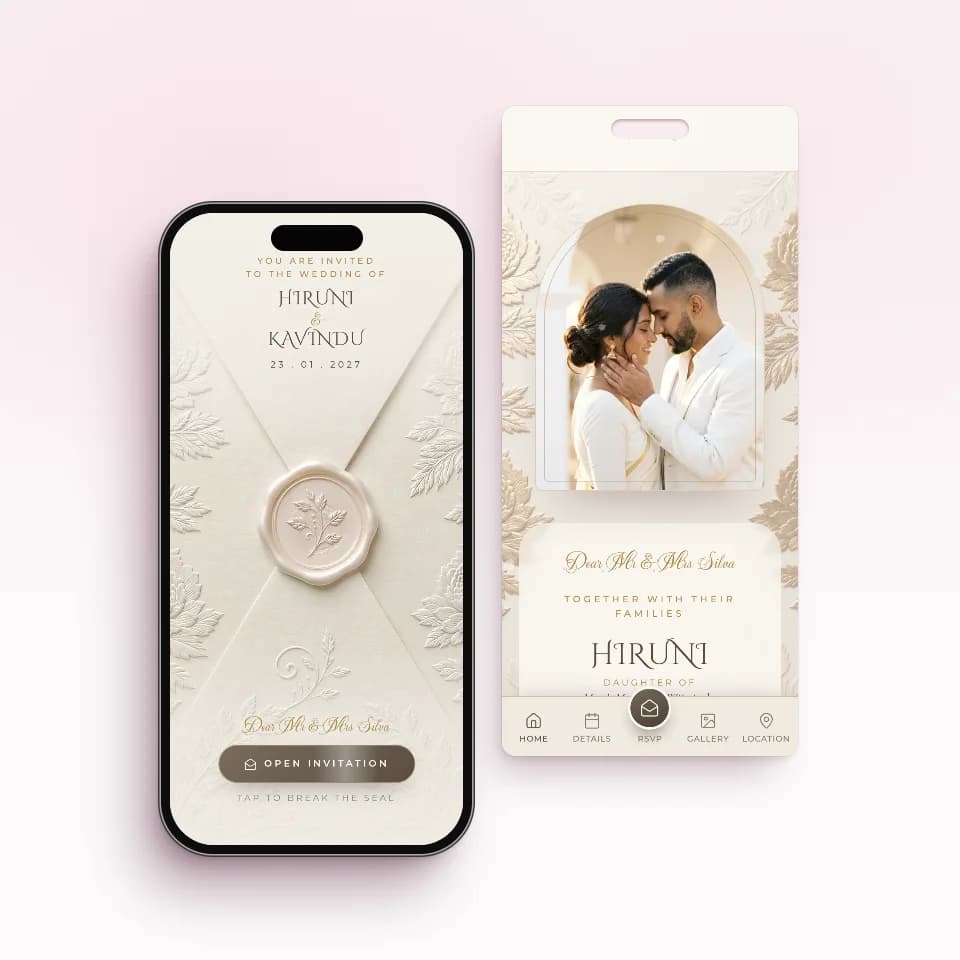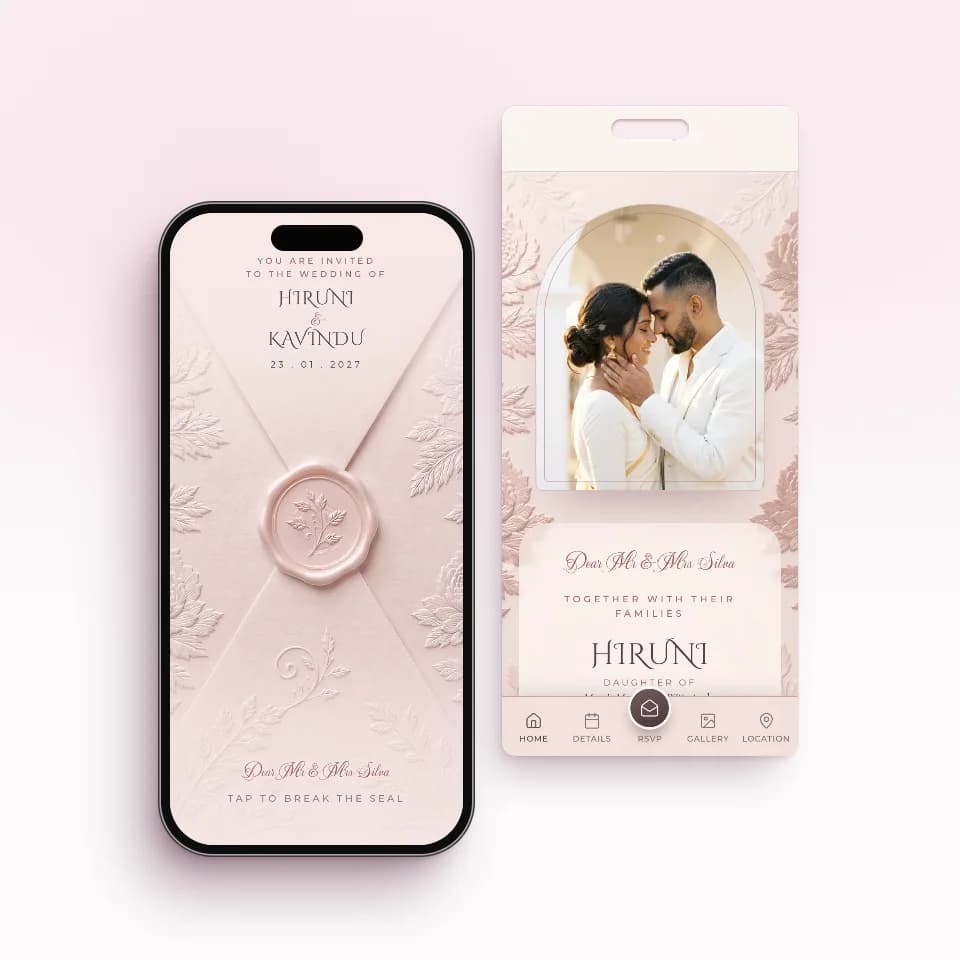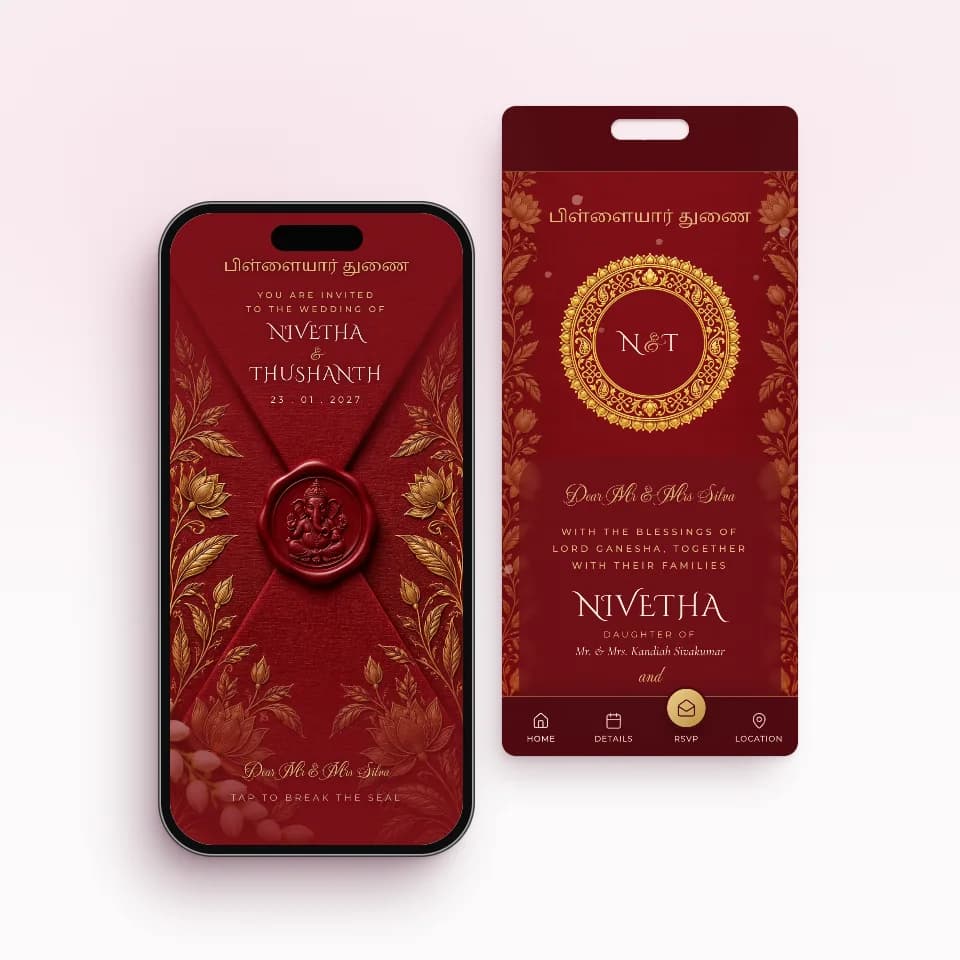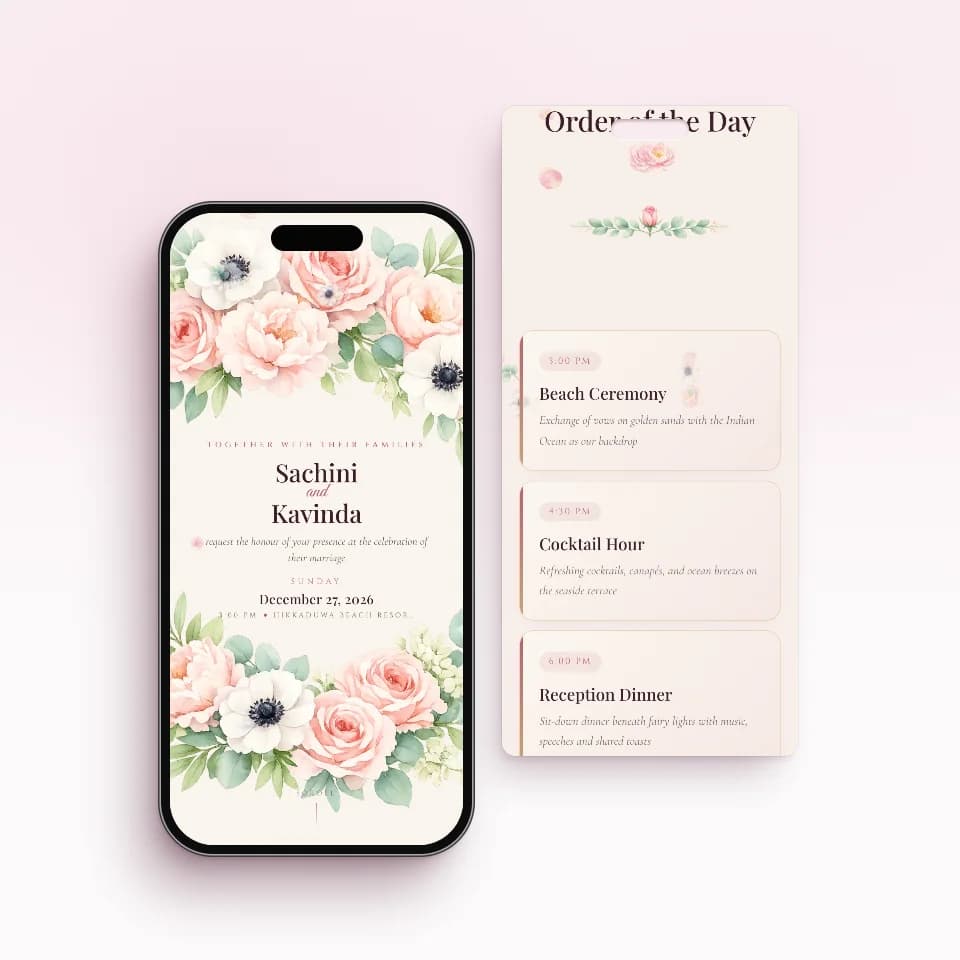
A JPG of your wedding card is free, quick and familiar, and it is fine for a small function. A digital wedding invitation link is a page each guest opens: venues open in Google Maps, guests reply Attending or Not attending with a head count, and you can fix a detail after sending. For a full guest list, the link saves you the chasing.
Below is why the picture became the habit, the five things that go wrong with it, an honest side-by-side table, and the cases where a JPG is the right choice. If you want to see the link version first, here is how personal WhatsApp wedding invitations work on INVITATION.LK.
Why the JPG became the habit
It made sense. The print shop or designer already had the card artwork, so exporting a picture cost nothing. Everyone knows how to forward an image. And for relatives abroad, a picture on WhatsApp beat posting a card overseas. None of that is wrong. The problem is that a picture was made to be looked at, and a wedding invitation has to do more than that: it has to get answers back.
Five things that go wrong with a JPG
The text gets squeezed
WhatsApp compresses photos to save data. A card designed for A5 paper, shrunk to a phone screen and then compressed, often loses its fine print first: the hall name, the auspicious time, the address. Elders reading on small screens feel this most. The HD option helps, and sending as a document keeps full quality, but the guest then opens a file rather than seeing the card in the chat.
There is no reply button
A picture cannot ask a question. Replies arrive, if they arrive, as scattered private chats, voice notes and messages to your parents. Someone has to gather them into one list and work out the head count for the caterer by hand.
You cannot change it after sending
If the reception moves from 6.30 pm to 7.00 pm, the old picture is still sitting in hundreds of chats and keeps being forwarded. You send a correction and hope people see it before the day.
It gets lost in the chat
Three weeks later, a guest scrolls past forwarded videos and good-morning images to find your card. WhatsApp search finds words in messages, not words inside a picture, so typing the venue name does not bring it back. Some phones also clear old WhatsApp media to save space.
Ticks are not answers
Blue ticks show, at best, that a message was read, and some people switch read receipts off. They say nothing about who is coming, how many, or to which event.
Side by side: a JPG or an invitation link
The honest comparison, including the rows where the picture wins.
| JPG of the card | Personal invitation link | |
|---|---|---|
| Cost to send | Free, if you already have the card artwork | A one-time plan price when you publish; free to build and preview |
| What the guest sees in the chat | The card itself, straight away | A preview card greeting them by name; they tap to open |
| Reading small text | Can blur after compression | Text is real text, sharp at any size, and the guest can zoom |
| Getting to the venue | Address to copy, or a separate map link | Each venue opens in Google Maps with one tap |
| Saving the date | The guest adds it by hand | Add to Calendar on the invitation |
| Replies | Scattered chats you collect by hand | Attending or Not attending, in one list |
| Head counts | Worked out from replies | Each guest confirms how many are coming |
| Knowing who has seen it | Read ticks, if receipts are on | Opened, once the guest opens their own link |
| Changing a detail after sending | Send a new picture to everyone | Edit once; the same link shows the change |
| Finding it again on the day | Scroll back through the chat | Tap the same link in the chat |
| Without mobile data | Viewable once downloaded | Needs a connection to open |
| Printing a copy | Print the image | The printed card stays separate; the invitation has a QR code and printable sign |
| Effort for you | Export and forward | Build the invitation and add your guest list |
When a JPG is fine
We would rather you used the right tool than used ours. A picture is honestly enough when:
- The guest list is small, say a family lunch or a small almsgiving, and you will see or call everyone anyway.
- You do not need numbers, because there is no caterer counting heads or the venue has no limit.
- The details will not change, and everything fits on the card in large, clear type.
- It is a keepsake, not the invitation, such as the card shared in the family group after the personal invitations have gone out.
- It is a save the date sent months ahead, before venues and times are final. When you want one that does a little more, there are save-the-date designs in the invitation gallery.
Keep your card design, change the delivery
Switching to a link does not mean giving up the printed card. You can print a smaller run for elders and those who expect a card in hand, and send everyone else a link. If you want the two to match, a Signature Custom design can be built to look like your printed card. For the full money and lead-time picture, see digital versus printed invitations in Sri Lanka and what wedding invitations cost in Sri Lanka.
When you are ready to send, our step-by-step guide on how to send wedding invitations on WhatsApp covers both the free method and the personal-link method, with the messages to use.
Send a link instead of a picture with INVITATION.LK
Everything the JPG cannot do is what a personal invitation link is for:
- Sharp, readable details on every phone, with each venue one tap from Google Maps.
- A reply on the invitation: Attending or Not attending, with the head count, collected in one list.
- One tap per guest from your own WhatsApp, with the guest's name and personal link in the message.
- Opened status for every guest, so you remind only the people who need it.
- Changes on the same link, so a moved time never means a second picture.
Build and preview for free. Essential is Rs. 5,000 for one ready-made invitation, Complete is Rs. 10,000 for two (the wedding and the homecoming, for example), and Signature Custom is Rs. 20,000 for a design made just for you. You pay once, only when you publish, and every paid plan includes unlimited guest links.