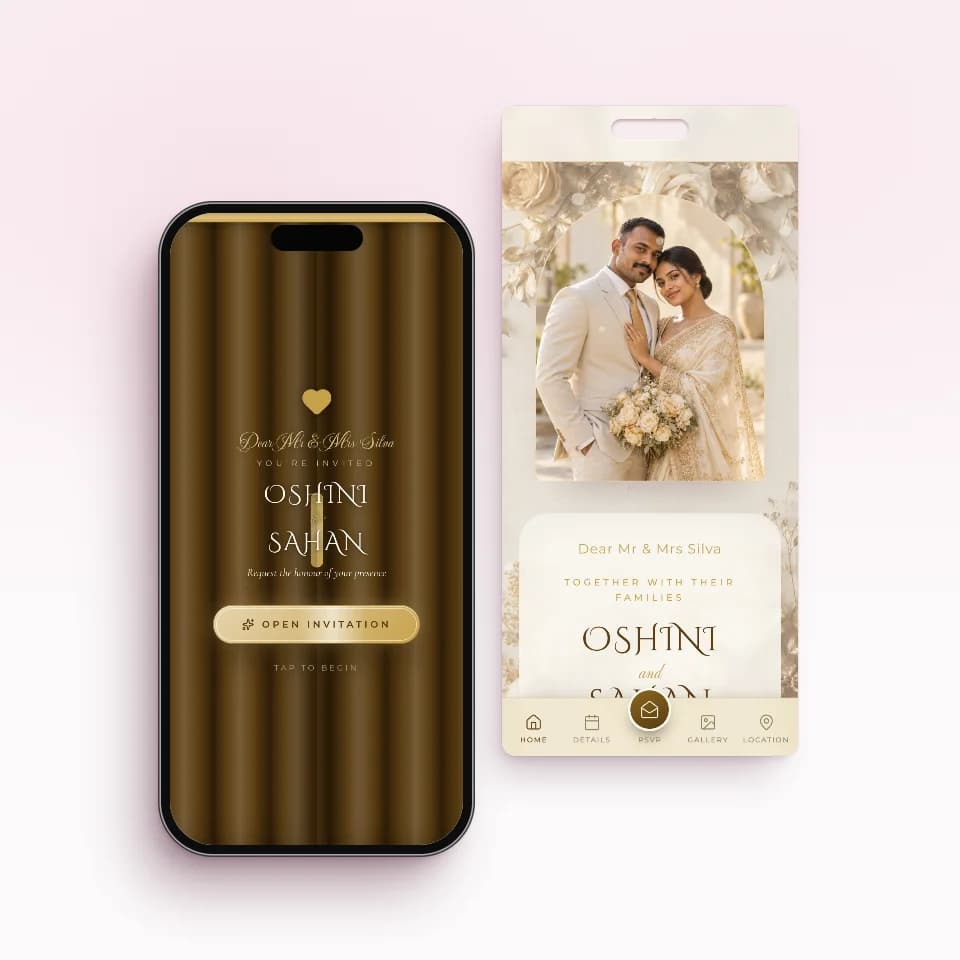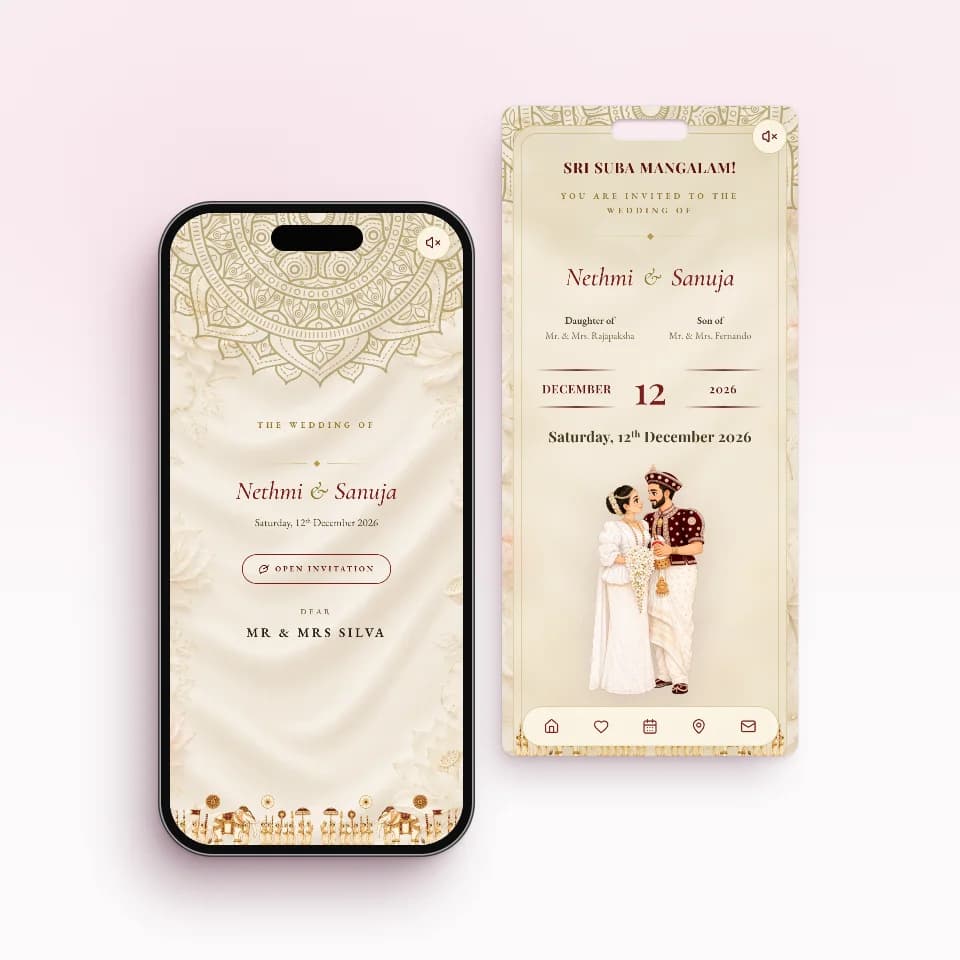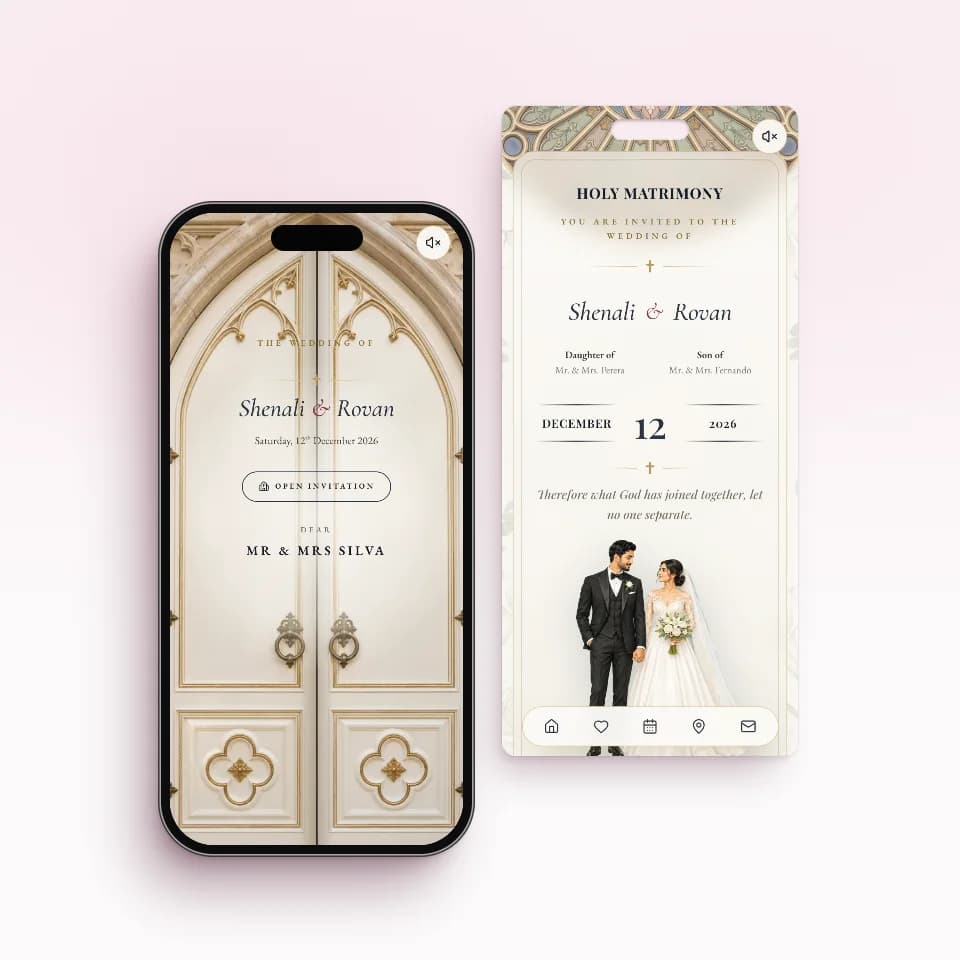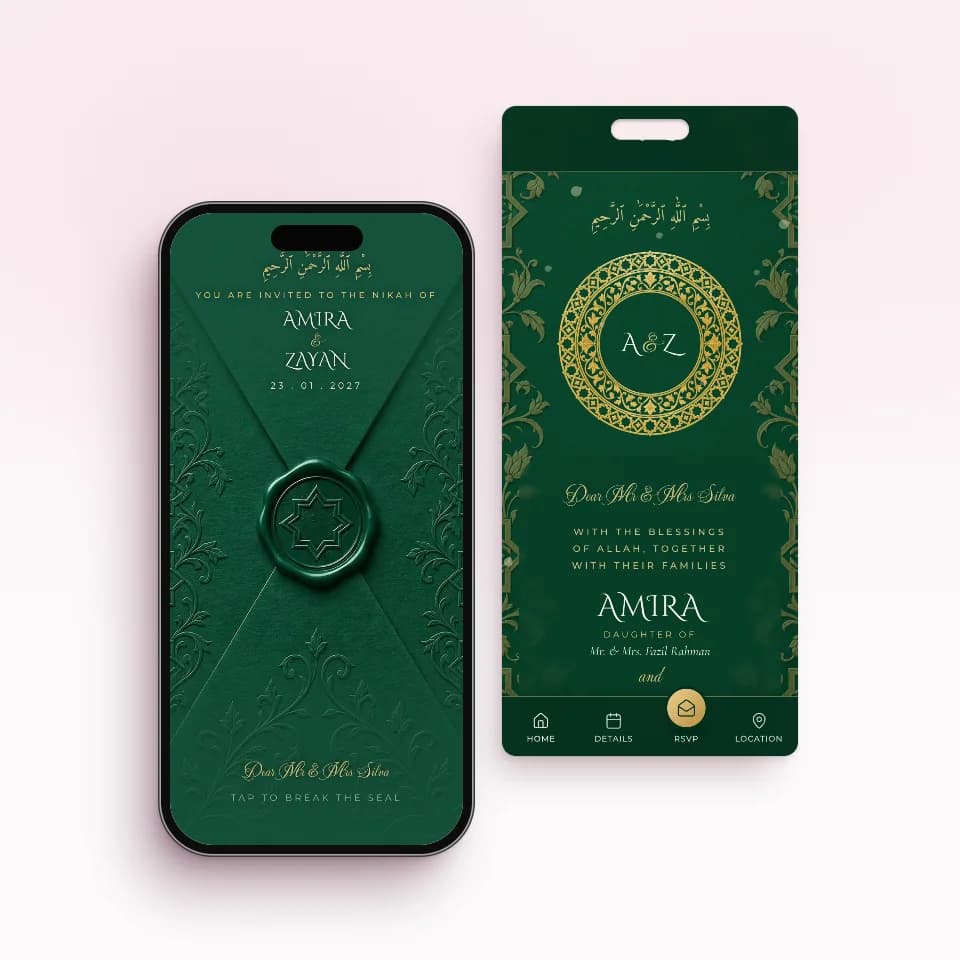
To send wedding invitations on WhatsApp, you can either share a picture of your card through broadcast lists, which is free, or send each guest their own invitation link from your own number. Broadcast lists hold 256 contacts each and only reach people who saved your number. A personal link adds replies, head counts and a way to see who has opened it.
This guide walks through both methods step by step, starting with the free one, because for a small function it may be all you need. Then it shows what changes when every guest gets a personal link, using WhatsApp wedding invitations from INVITATION.LK as the example, and ends with the four messages you will actually send, ready to adapt.
The free method: a card image and broadcast lists
This is the method families already know, and it costs nothing beyond your data. Done carefully, it works. Here is how to do it properly.
- Get the card as one image. Ask your designer or print shop for a portrait JPG or PNG of the card. Check that the date, time and venue are large enough to read on a phone screen without zooming.
- Save every guest's number. Put each guest in your phone contacts, with the country code for relatives abroad (+61, +44, +971 and so on). Use a clear name such as "Perera Uncle Kandy" so you can find them later.
- Make broadcast lists of up to 256 people. In WhatsApp, open the menu on the Chats screen and choose New broadcast (on iPhone, look for Broadcast lists). Each list can hold up to 256 contacts. Splitting lists by side or family, such as "Bride side" and "Groom side office", makes the next steps easier.
- Send the image with a short message. Attach the card, choose the HD option if your app offers it, and add a line of text with the reply-by date and a Google Maps link to the venue, because a map inside a picture cannot be tapped.
- Message the people the broadcast missed. A broadcast only arrives for people who have saved your number in their own phone. Anyone who has not will never see it, and WhatsApp will not tell you who they are. Send those guests the card one by one, or ask a parent to forward it.
- Keep your own reply list. Replies arrive as separate private chats. Note each one in a notebook or a spreadsheet: name, coming or not, and how many people.
- Send a reminder a week before. Resend the image, or a short text message, to the same lists.
Where the free method breaks down
For twenty or thirty guests none of this matters much. With a full Sri Lankan wedding list of several hundred, spread across both families, the office and relatives overseas, four problems show up.
- The 256 cap multiplies the work. Three hundred and fifty guests means at least two lists, sent separately, and every reminder or correction has to go to each list again.
- Silent misses. Older relatives and new colleagues often have not saved your number. Your broadcast shows as sent, but it never reached them, and there is no warning.
- The image gets squeezed. WhatsApp compresses photos to save data. Fine print such as the hall name or the auspicious time can blur, which is hardest on elders reading on small screens. HD helps; sending as a document keeps the full quality but arrives as a file rather than a picture.
- No way to know who is coming. Blue ticks show at best that a message was read, and some people switch read receipts off. They do not tell you who is attending, how many are coming, or which event. You only learn that from replies, if they reply.
If you are weighing this up for your own wedding, we compared the two side by side in sending a JPG versus a proper invitation link.
What each way of sending can tell you
The real difference between the methods is not how the message leaves your phone. It is what you know afterwards.
| Method | Reaches guests who did not save your number | Who has seen it | Who is coming and how many | Fixing a mistake |
|---|---|---|---|---|
| Broadcast list (up to 256) | No | Read ticks per list member, if their receipts are on | Only from replies you note by hand | Resend to every list |
| WhatsApp group | Yes, once added | Read info per message, if receipts are on | Only from replies, in front of everyone | Post again and hope it is seen |
| One-by-one chats with the image | Yes | Read ticks per chat, if receipts are on | Only from replies you note by hand | Message each guest again |
| Personal invitation link, sent one tap per guest | Yes | Opened, once the guest opens their own link | Attending or Not attending with a head count, in one list | Edit once; the same link shows the change |
The personal-link method, step by step
With a personal link, each guest or family gets their own invitation page instead of a picture. You still send it from your own WhatsApp, one tap per guest, so it arrives as a message from you. This is how it works on INVITATION.LK.
- Build and preview your invitation free. Pick one of the invitation designs, add your names, events, venues and times, and open it on your phone the way a guest would.
- Add your guests. Type them in or import an Excel or CSV file with names, WhatsApp numbers, side, invite type (To You, To You Both, To Your Family) and the number of guests. One link can cover a whole family.
- Write your message once. Placeholders such as {name}, {events}, {date} and {links} fill in for each guest, so every message reads as if you typed it for that person.
- Tap Send for each guest. WhatsApp opens with that guest's message and personal link already written. You press send. Because it opens a chat with their number, it does not matter whether they saved yours.
- Watch the list fill in. Your guest list marks each guest Sent, then Opened once they open their link, and shows Attending or Not attending with the head count they confirm. How online RSVP works covers what guests see when they reply.
- Remind only the people who need it. Filter by Not opened, or by guests who have not replied, and send those few a gentle reminder with the same link.
- Change details without resending. If the time or venue moves, edit the invitation and save. Guests see the change the next time they open the same link.
The four messages you will actually send
Whichever method you use, a wedding needs more than one message. These examples use a made-up couple, Nimesh and Dilhani, marrying on Saturday 12 June 2027. Read each one aloud before you send it: if it sounds like a notice from the bank, rewrite it the way you would say it.
| Message | When to send | What it must include | Example |
|---|---|---|---|
| The invitation | 6 to 8 weeks before; about 3 months for guests abroad | Greeting by name, the events, the date, the link or card, a reply-by date | Dear Silva Aunty, we would be so happy to have you with us at our Poruwa ceremony and reception on Saturday 12 June 2027. Your invitation: [link]. Please let us know by 15 May. With love, Nimesh & Dilhani |
| The gentle reminder | A few days after the reply-by date, only to those who have not replied | No blame, the same link, one clear ask | Hi Kasun, just checking you received our wedding invitation. Here it is again: [link]. It would help us a lot to know if you can come. |
| A change notice | As soon as a time or venue changes | What changed, the new detail, an apology if it is late | Dear Fernando family, a small change: the reception now starts at 7.00 pm instead of 6.30 pm. The invitation has been updated: [link]. |
| The day-before note | The evening before the wedding | Start time, the map, who to call on the day | See you tomorrow. The Poruwa starts at 9.15 am. Directions are on your invitation: [link]. For help on the day, call Nimesh's brother Ravi. |
For more versions, from formal to family, see our copy-ready WhatsApp wedding invitation messages.
Good manners that still apply on WhatsApp
- Some elders still expect a visit. For grandparents, senior relatives and family elders, many families still take a printed card to the house in person. A message does not replace that, and it does not have to.
- Send from your own number. A message from you or a parent feels personal. A message from a number nobody knows can look like spam.
- Use the guest's name. "Dear Jayawardena Uncle" reads very differently from a message clearly sent to everyone.
- Avoid late-night sending. Send in the day or early evening, not at midnight when you finally finish the list.
- Have a plan for people without WhatsApp. A personal link can be copied and sent by SMS or email instead, and a printed card still works for anyone who prefers paper.
Send each guest their own invitation with INVITATION.LK
If the free method is starting to feel like a second job, this is what a personal link per guest gives you:
- One tap per guest from your own WhatsApp, with their name and link already in the message.
- Sent and Opened on every row of your guest list, so you know who still needs a nudge.
- Replies in one place: Attending or Not attending with a head count, instead of hundreds of chats.
- Edits on the same link, so a changed time never means sending a new picture.
- Tappable details: each venue opens in Google Maps, and guests can save the date to their calendar.
You can build and preview for free. Essential is Rs. 5,000 for one ready-made invitation, Complete is Rs. 10,000 for two (the wedding and the homecoming, for example), and Signature Custom is Rs. 20,000 for a design made just for you. You pay once, only when you publish, and every paid plan includes unlimited guest links.
Compare the plans or browse wedding invitation designs to start.